I need your help.
FreePBX 17 has three network interfaces:
etx0 - local network
etx1 - SIP provider network
etx2 - internet access
Peers are on the local network.
SIP 1 trunk via eth1
SIP 2 trunk via eth2
I want to configure routing on FreePBX via the web interface (not the operating system).
How do I do this correctly?
Each network connection uses a default gateway. Will there be a gateway conflict or FreePBX can work with multiple gateways when selecting the required transport?
How needs properly configure the firewall in FreePBX for multiple networks?
I used FreePBX 13 and configured routing at the operating system level.
But I think that’s a this way of the past.
If the SIP and media addresses accessed via eth1 are in its subnet, you shouldn’t have to do anything special, other than setting up separate transports for the trunks. If they aren’t, AFAIK you need to set up the static routes at the OS level; FreePBX System Admin does not offer this feature.
I’m sure standard Unix has no such concept. I’m pretty sure Linux doesn’t have the concept under that name, but there may be tricks you can play with iptables.
The normal way of handling it would be a static route to the provider on the private network, with higher priority than any default route.
In any case, you will only be able to address this at the OS level.
This could be a lost-in-translation issue – remove the word default, maybe change the word gateway to route and the answer is, perhaps, much closer to yes.
Can you help me find the problem?
Connected only eth0.
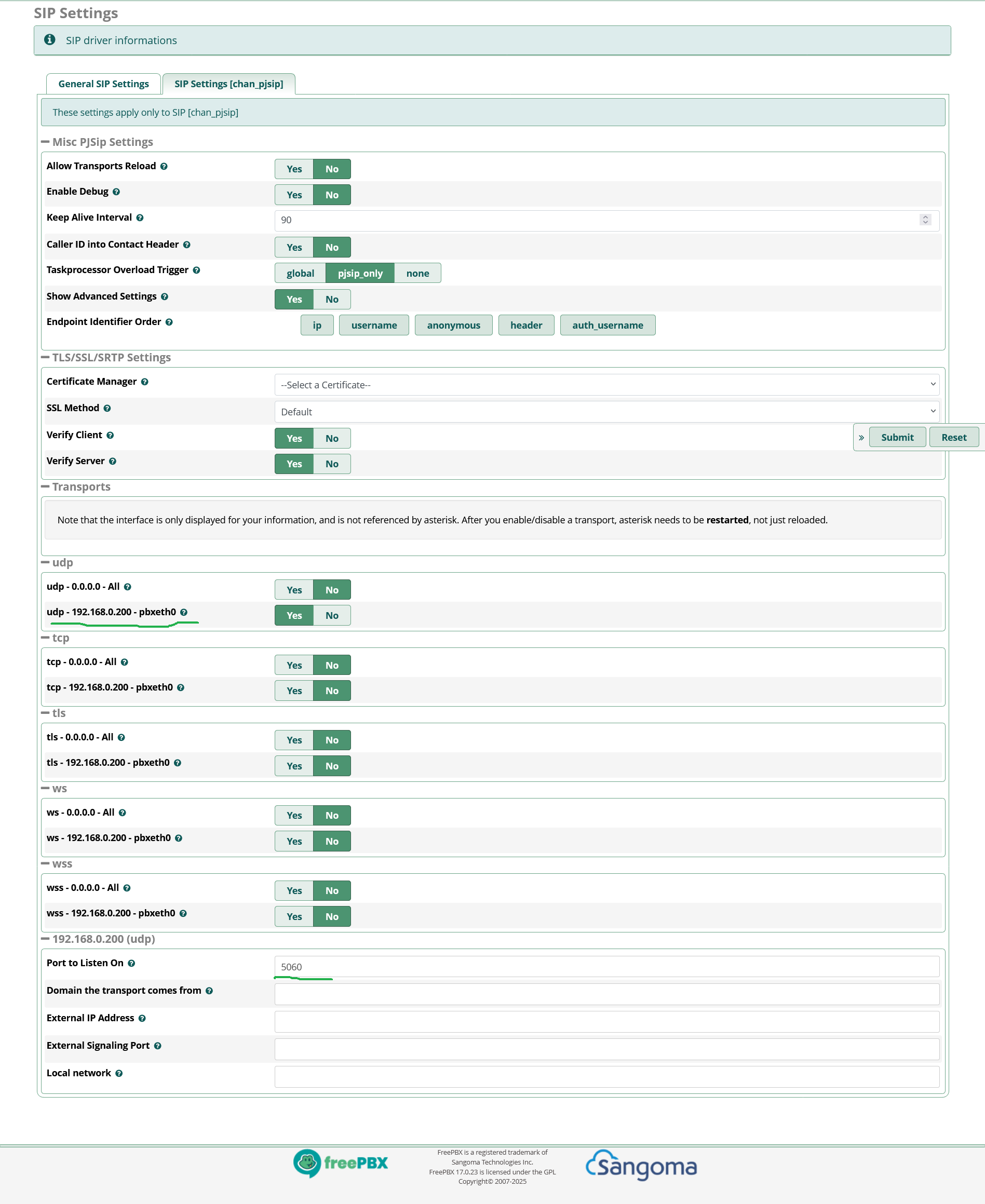
If I use the default transport udp - 0.0.0.0 - All, extension and PJSIP trunk registration (registration and reception) incoming and outgoing calls work.
If I enable advanced parameters and select udp - 192.168.0.200 - pbxeth0, extension and PJSIP trunk registration (registration and reception) work, but incoming and outgoing calls through the PJSIP trunk don’t work.
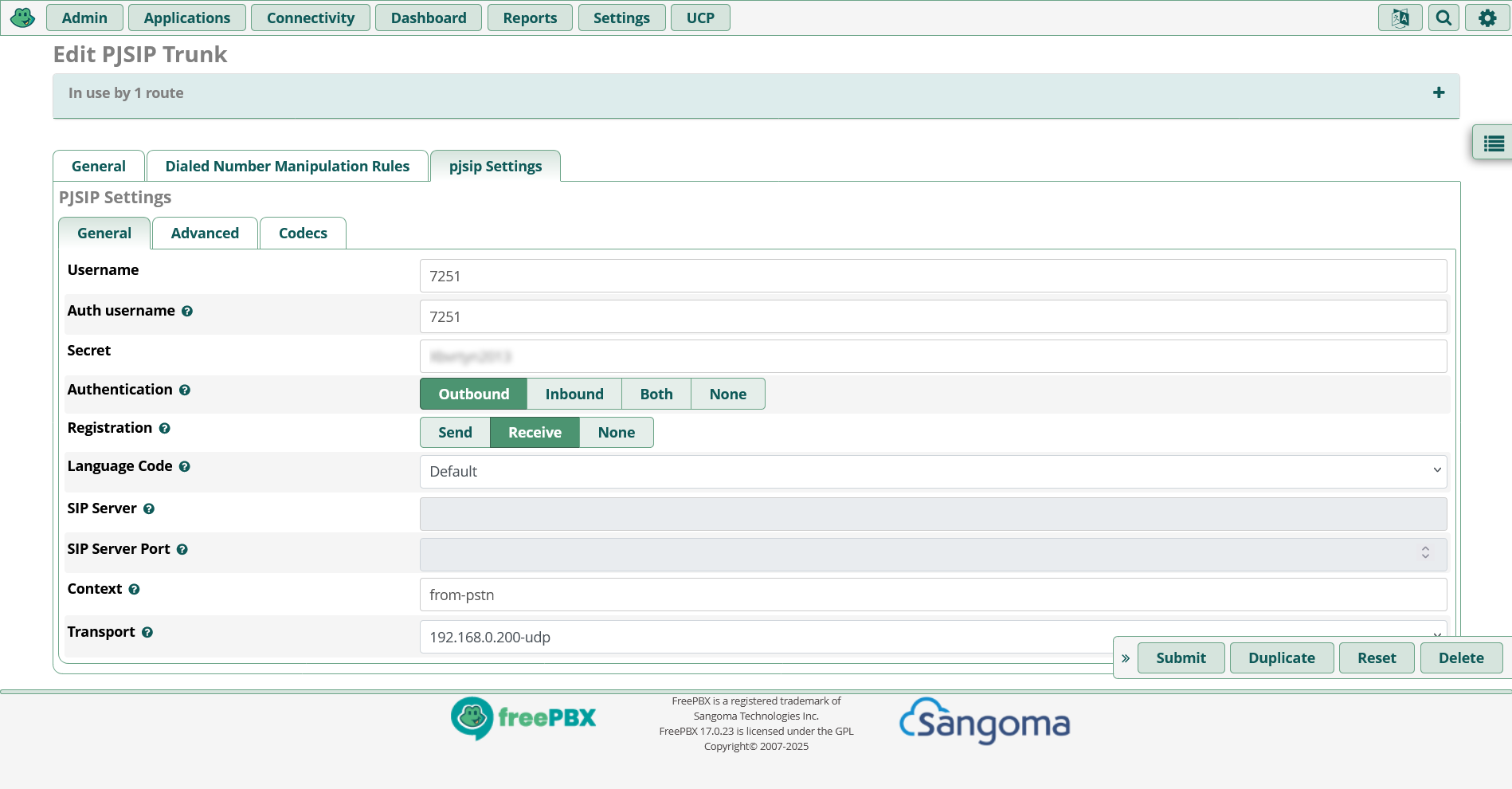
I specify udp - 192.168.0.200 - eth0 transport in the trunk settings.
The trunk issue has been resolved:
After changing the transport, you need to delete the trunks and create them again.
After changing the transport, the transport was automatically changed in the trunk settings, but the trunk did not work.
FreeBX may not make changes to trunk configuration files that have already been created, but only when they are created.
But in the log file I see entries like: res_pjsip.c: Unable to retrieve PJSIP transport ‘0.0.0.0-udp’
Perhaps additional changes need to be made somewhere.
It might be due to extensions. I’ll try deleting it and creating it again.
because they were created before changes in the transport infrastructure and also used UDP 0.0.0.0
I can check the configuration files, but freepbx doesn’t like it when change.
This is hard to do in all scenarios without at least a restart of Asterisk – although not necessarily a reboot of the entire system.
Also, you could try enabling Allow Transports Reload at the top of the PJSIP settings page, with some caveats (see FreePBX forum post here, Asterisk blog post here, Asterisk GitHub issue here, etc.)
Hmm, that sounds like a bug, possibly for the issue tracker. But, it could be related to transports not changing dynamically, without either modifying the reload setting as mentioned above (or restart/reboot) not sure.
What about changes made after the reboot ? Are those all set now ? Or is an Asterisk restart/system reboot not enough to correct things ?
Changing transports on a server is usually kind of a big deal – lots of low-level network related things are happening when you do that, and if there’s active calls on those interfaces that are disappearing, well, you and your users are not going to have a very good time.
I almost got it all working.
I can’t figure out the trunk for the SIP provider, which requires a special transport.
I use three transporters.
Transport 1 is for local clients.
Transport 2 is for the SIP providers trunk.
Transport 3 is for remote clients via Internet.
Created a trunk, specified the transport, created an IP route to the network interface.
But registration reject.
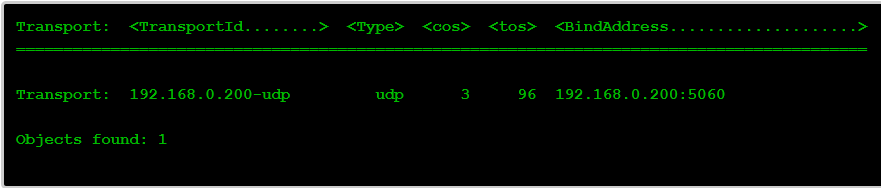
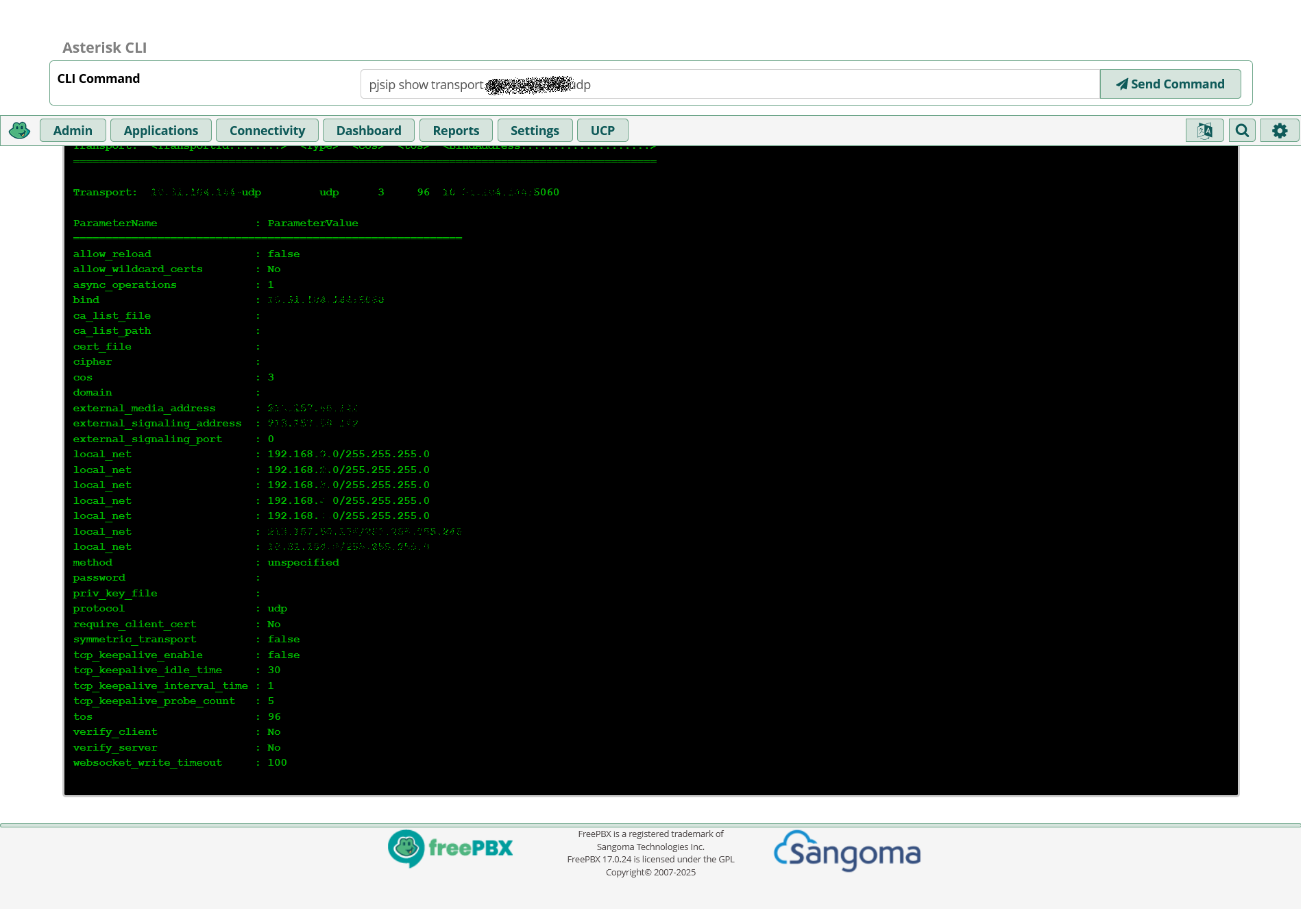
To check, I use the command pjsip show Transport xx.xx.xx.xx-udp.
I see that the external IP address and local networks are displayed. And when I request registration in the log file, I see an incorrect header with the address.
Well it looks like you’re adding a public IP to register over a private LAN. But since you’ve hidden everything and really have provided details to help us understand your masking of even what other transport is being used instead of the proper one it limits how we can help.
Thank you all very much. I’ve got everything set up as needed.
The problem was that when querying to the DNS name, the system converts the name to an IP address, but the external IP address of the SIP provider’s server and the internal IP address used in the SIP provider’s network are different. I fixed this using the hosts file.