Unsuccessful installation of both the ISO and the shell script

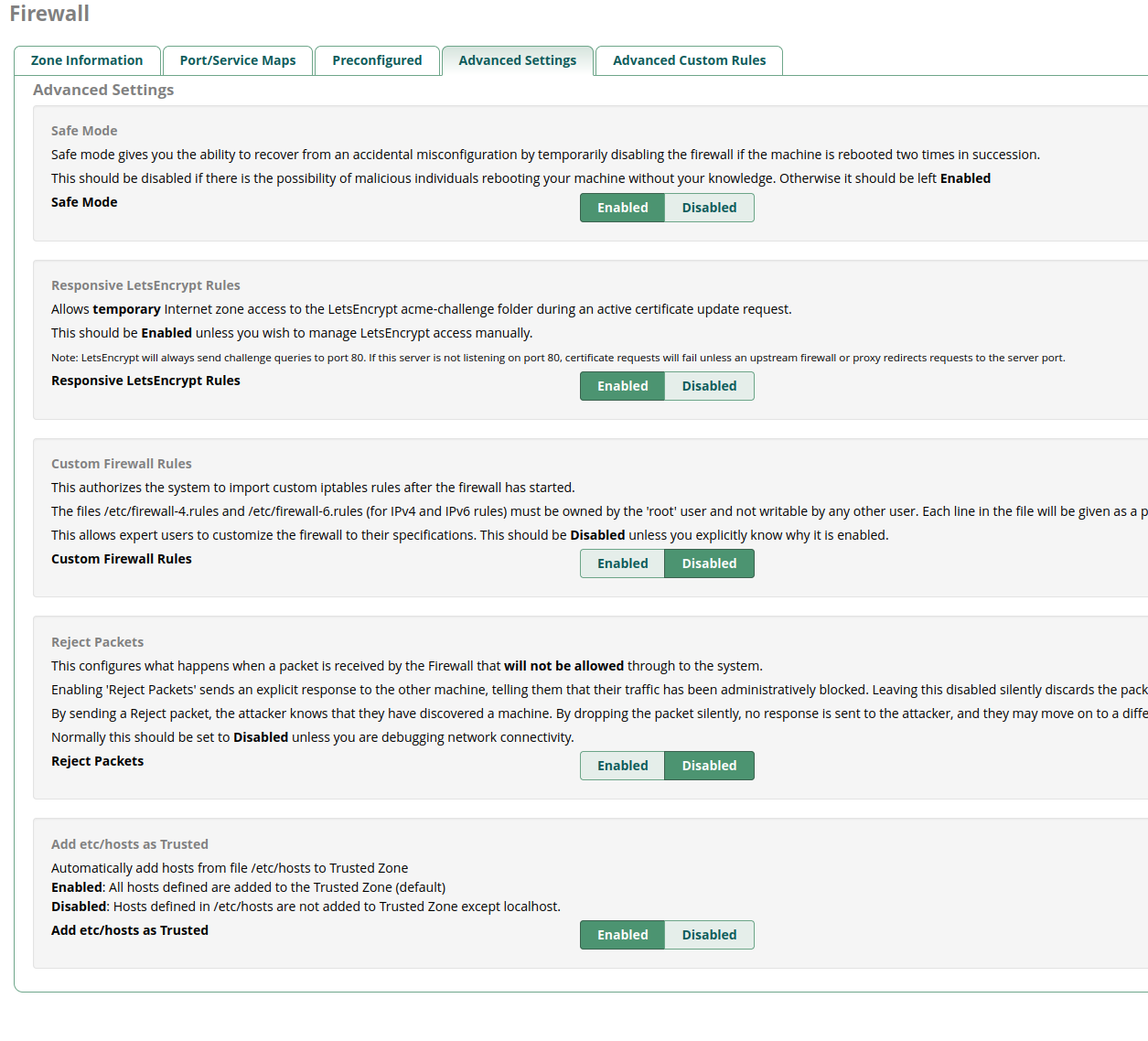
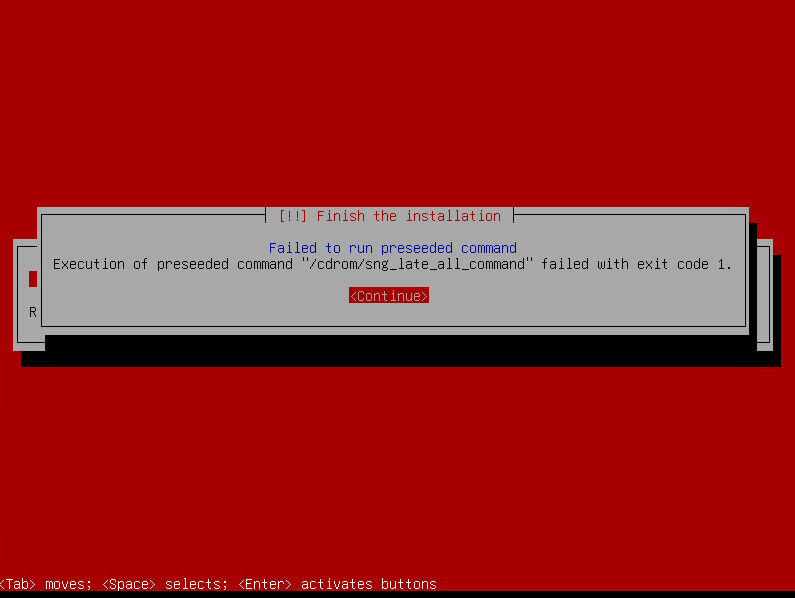
Currently, I am running the latest CentOS ISO install, and I set up a lab to upgrade. Initially, I tried the new ISO. It failed:

After the restart it failed to boot:

Next, I installed vanilla Debian 12 and the recommended apps, and then I applied the shell script. It completed w/o errors, after about 30 min, but after the reboot errors of “Apache failing to start” began to rain.

apache2.service is failed. openssh-service is failed.

Can you please provide some hardware specs of your lab system, specifically CPU, RAM, Disk (type & size & quantity), as well as virtualization status and method of install (BIOS or UEFI) along with spice level used for the ISO ?

It’s a Hyper-V VM with 8GB RAM, 20GB VHD, 8 cores, type1.

You might try more disk e.g. 40GB, or use the SLAB option of the ISO. Also for virtualized/cloud systems the FOG spice level is preferred. (Personally not tried on Hyper-V but IIRC all of those issues were resolved.)

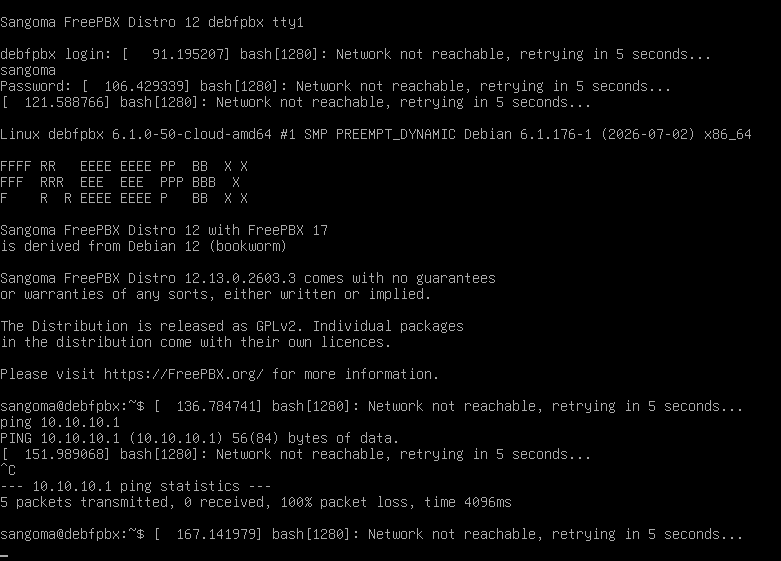
The FOG option on a 40 GB partition passed w/o errors, but then there is no network:

During the installation, it had no problems getting the address through DHCP, even though later it failed to set up clock. It is still using the DHCP address and can ping in and out, so not sure what is going on.

In the browser, the default Apache2 stub page is showing.

Now, I am going to retry the vanilla Debian and the shell script way.

Maybe check DNS ?

The Debian 12 vanilla + shell script went seemingly all right. I can get into the admin UI.

Can I now simply restore a backup from the old CentOS 7 ISO? Or will I have to transfer the settings piece by piece?

Ideally, yes. Please refer to other posts in the forums and the official documentation for more details:

The need for 40GB is not clear:

e0@debfpbx:~$ df
Filesystem 1K-blocks Used Available Use% Mounted on
udev 4030636 0 4030636 0% /dev
tmpfs 811416 680 810736 1% /run
/dev/sda1 39987708 8028448 29895800 22% /
tmpfs 4057072 272 4056800 1% /dev/shm
tmpfs 5120 0 5120 0% /run/lock
tmpfs 811412 0 811412 0% /run/user/1000

20GB should have been plenty for the total of 8GB used, should it not?

There is also a problem.

After a short while since the start-up of the VM, its network stops working. This began to occur after I applied the shell script. Before it was applied, the network stayed up, and I was able to do all of the pre-configuration via SSH. Now that FreePBX is installed, I bring the VM up, open the web GUI, and then a minute or so later neither the web GUI nor SSH work. Reboot, they work, one minute passes, and it’s connection refused. It is probably a firewall issue. I vaguely remember having something similar with the CentOS install.

fwconsole firewall stop

See if that temporarily solves your issue and then configure the firewall in the GUI. Ensure you start it again.

It worked but should have the firewall blocked me? The entire LAN from which I access the SSH and web UI is whitelisted in the firewall.

The firewall wizard can sometimes break/start during setup before it’s finished. If you have started the firewall and all is ok now, you should be good.

Make sure you’re adding the IP like this: MY.LAN.IP.0/24

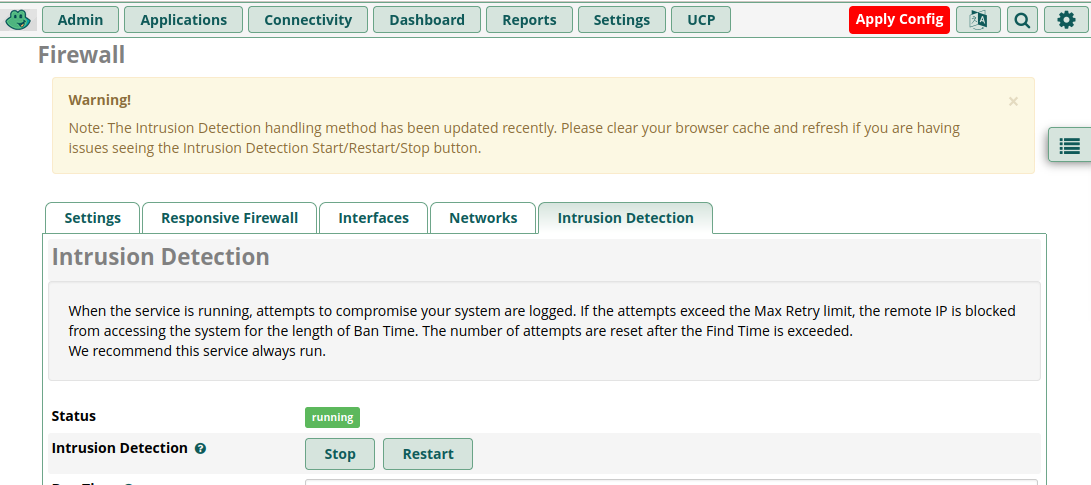
In the old CentOS 7 ISO, there is intrustion detection:

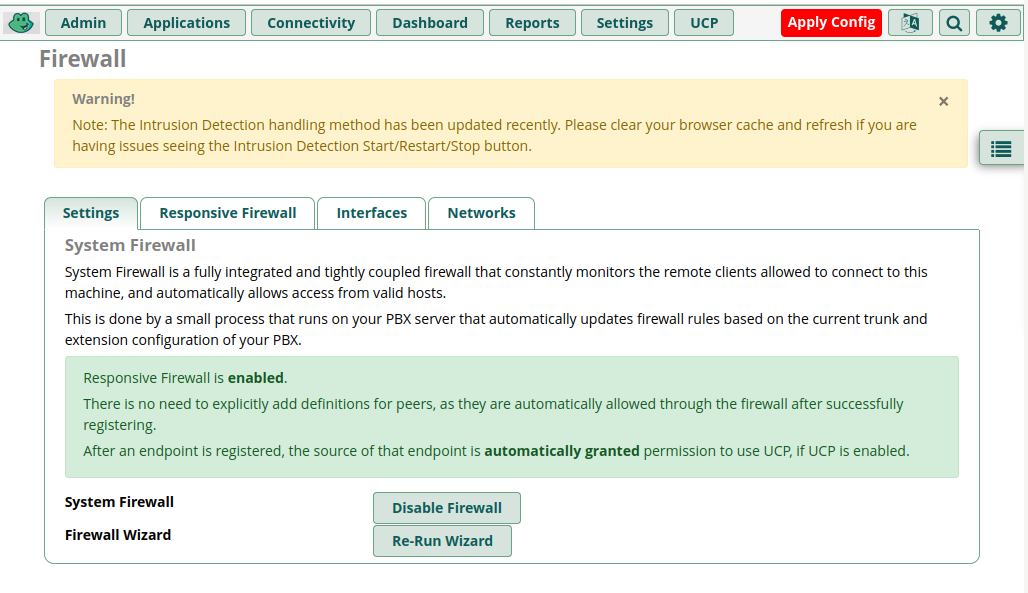
In the new there isn’t:

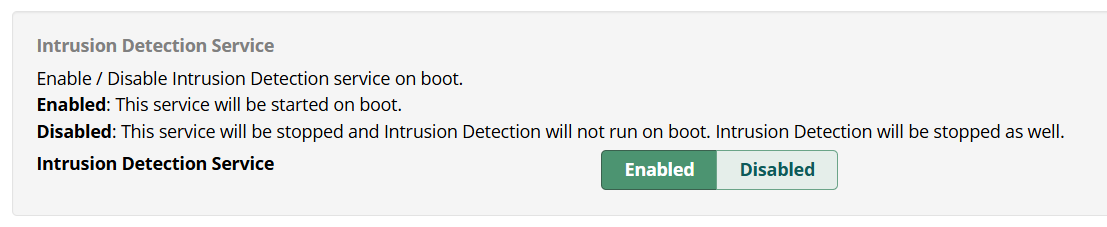
How can I access the Fail2Ban configuration in the new version?

Click on the right nav bar in Firewall > Advanced > Advanced Settings

There isn’t Intrusion detection there:

Am I missing something that has to be installed separately?

It should have been pre-installed. If not, I guess it’s apt update and then apt install fail2ban.

# apt install fail2ban

Reading package lists… Done
Building dependency tree… Done
Reading state information… Done
fail2ban is already the newest version (1.0.2-2).
0 upgraded, 0 newly installed, 0 to remove and 0 not upgraded.

systemctl status fail2ban
systemctl enable fail2ban
systemctl start fail2ban

#systemctl status fail2ban

● fail2ban.service - Fail2Ban Service
Loaded: loaded (/lib/systemd/system/fail2ban.service; enabled; preset: enabled)
Active: active (running) since Tue 2026-07-07 14:58:33 EDT; 16h ago
Docs: man:fail2ban(1)
Main PID: 5456 (fail2ban-server)
Tasks: 19 (limit: 9446)
Memory: 18.4M
CPU: 1min 55.539s
CGroup: /system.slice/fail2ban.service
└─5456 /usr/bin/python3 /usr/bin/fail2ban-server -xf start

Jul 07 14:58:33 debfpbx systemd[1]: Stopped fail2ban.service - Fail2Ban Service.
Jul 07 14:58:33 debfpbx systemd[1]: Started fail2ban.service - Fail2Ban Service.
Jul 07 14:58:33 debfpbx fail2ban-server[5456]: 2026-07-07 14:58:33,876 fail2ban.configreader   [5456]: WARNING ‘allowipv6’ not defined in ‘Definition’. Using default one: ‘auto’
Jul 07 14:58:33 debfpbx fail2ban-server[5456]: 2026-07-07 14:58:33,877 fail2ban.configreader   [5456]: WARNING ‘filter’ not defined in ‘sshd’. Using default one: ‘’
Jul 07 14:58:33 debfpbx fail2ban-server[5456]: 2026-07-07 14:58:33,877 fail2ban.jailreader     [5456]: WARNING No filter set for jail sshd
Jul 07 14:58:33 debfpbx fail2ban-server[5456]: 2026-07-07 14:58:33,877 fail2ban.configreader   [5456]: WARNING ‘filter’ not defined in ‘sshd’. Using default one: ‘’
Jul 07 14:58:33 debfpbx fail2ban-server[5456]: 2026-07-07 14:58:33,877 fail2ban.configreader   [5456]: WARNING ‘action’ not defined in ‘sshd’. Using default one: ‘’
Jul 07 14:58:33 debfpbx fail2ban-server[5456]: 2026-07-07 14:58:33,877 fail2ban.jailreader     [5456]: WARNING No actions were defined for sshd
Jul 07 14:58:34 debfpbx fail2ban-server[5456]: Server ready