Hi Everyone,
If I have the FreePBX 17 installed, any mobile application can be supported for Android & iOS mobile phones? (Freeware or paid application?)
Hi Everyone,
If I have the FreePBX 17 installed, any mobile application can be supported for Android & iOS mobile phones? (Freeware or paid application?)
Hi @kim - Welcome to the forum and thanks for checking out FreePBX!
As a follow up to @kierknoby’s note I wanted to share a link to the trial software. Here’s a free two user license for testing.
This will enable two users for:
Please let me know if you have any questions - thanks again for stopping by.
Hi Micheal and @kierknoby, thanks for your informaiton here.
I think my end user will using the real desk phone device & Mobile app (Android/iOS) at most time.
I am try the function in recently.
Refer the instruction, I need to enable the mobile app function and then invite the user to sign-in the app?
Yes - Here are details on setting up Sangoma Connect.
Here are the invite details.
You should read up about push services, particularly for iOS, for which SIP on its own is not enough.
We use Groundwire on all of our devices for us and all of our clients. I think we have upwards of 40 installations now using it ? Including my phone that monitors 8 different client FreePBX servers (Sip accounts) to make sure we can maintain a connection to them.
Hi Michael, thank you for your advise and I am looking the same pages.
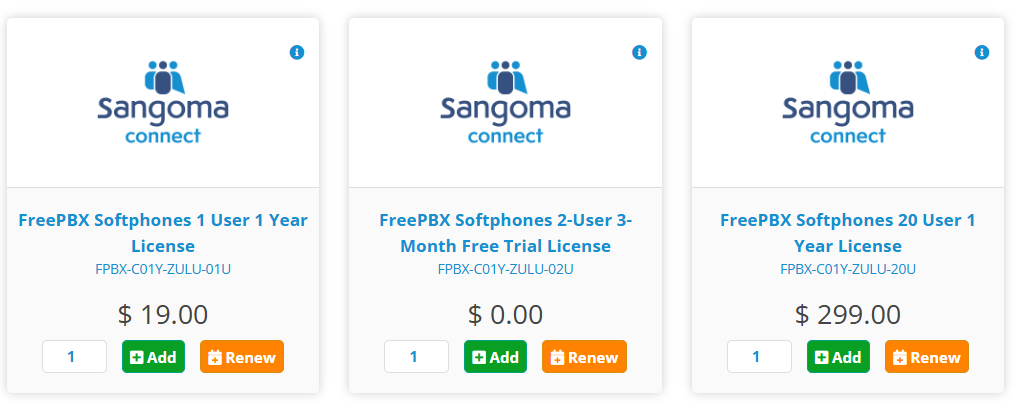
I realize the 1 of requirement that purchasing the softphone license. (20 users - 1Year)
And I will go for trial license first.
Besides, the license of 20User per 1 year is the fixed package order?
If I have more than 100 users will be assigned the softphone, how could I order it?
Hello, thanks for the reply. In the case of 100+ users, you can add multiple 20 packs to the license. These can also be paired with single user licenses assuming the number you need is not divisible by 20.
Thanks for using FreePBX!
After I put the Trial license of Sangoma Talk (2 users) in my test server.
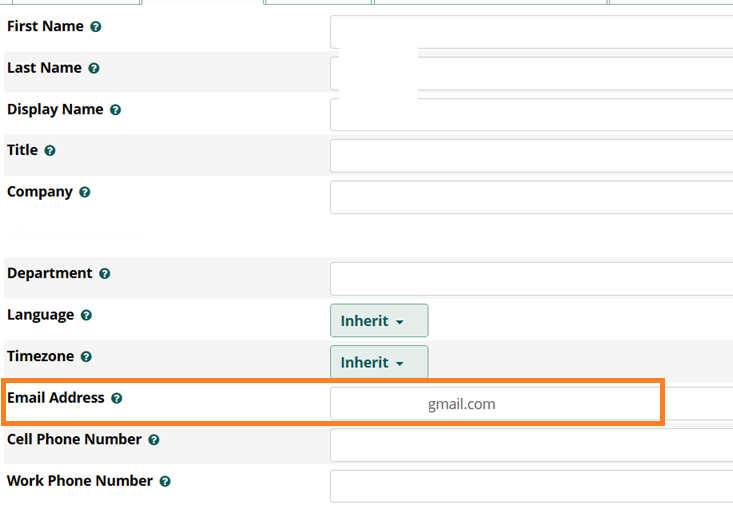
And I followed the instrucation to setup email to the user.
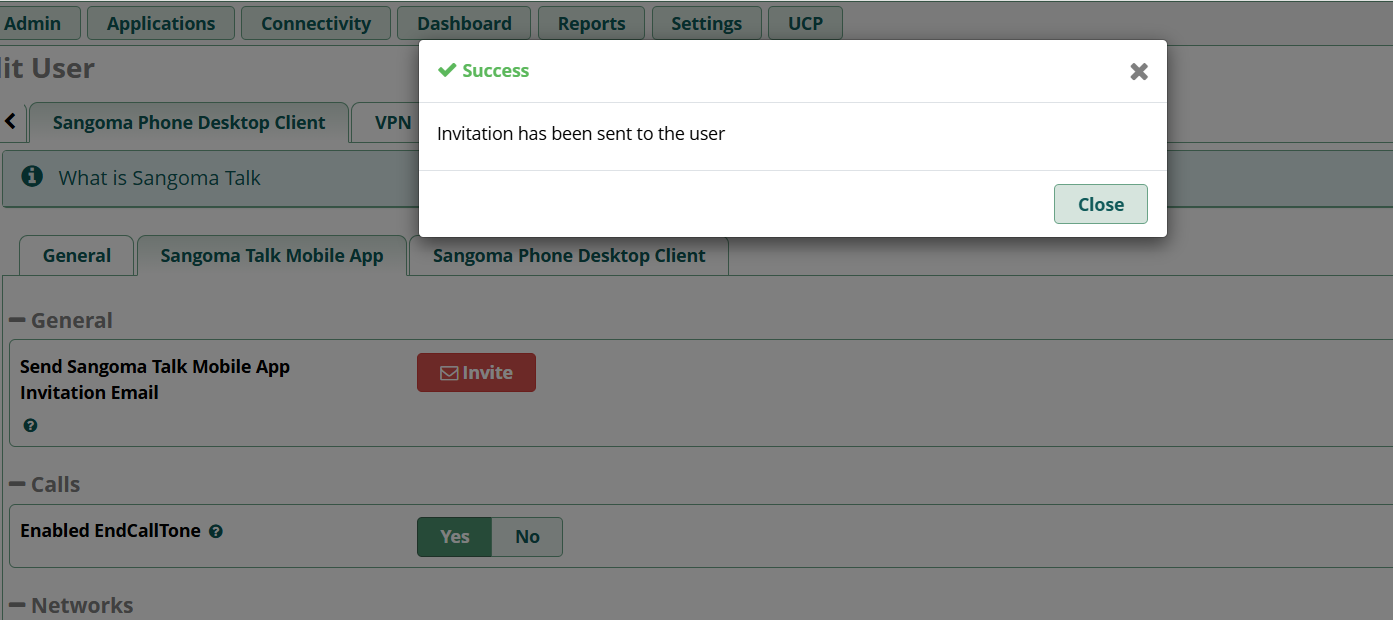
But I found there is no email sending to my mailbox (tried my personal and Gmail are same) when I press “Invite” under the “Sangoma Talk Mobile App”. Even the system return the success message.
Hi @kim
Are you getting other system emails or voicemail to email? If not, there’s additional setup required.