Hi,
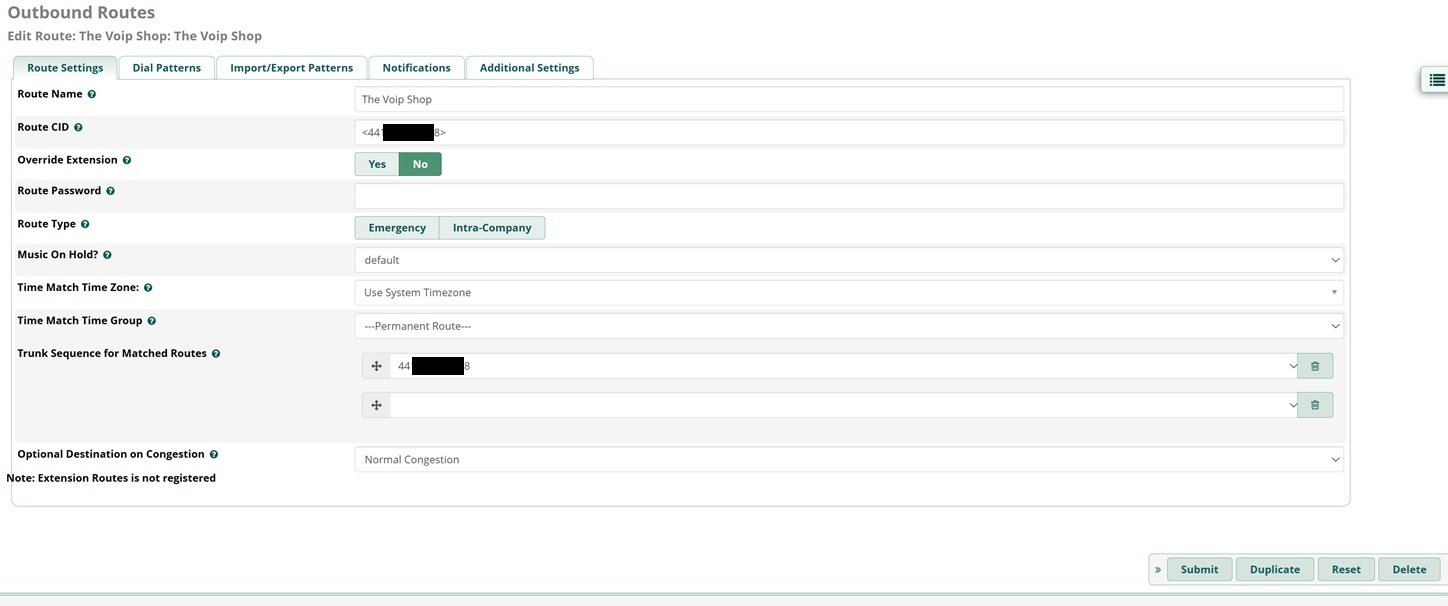
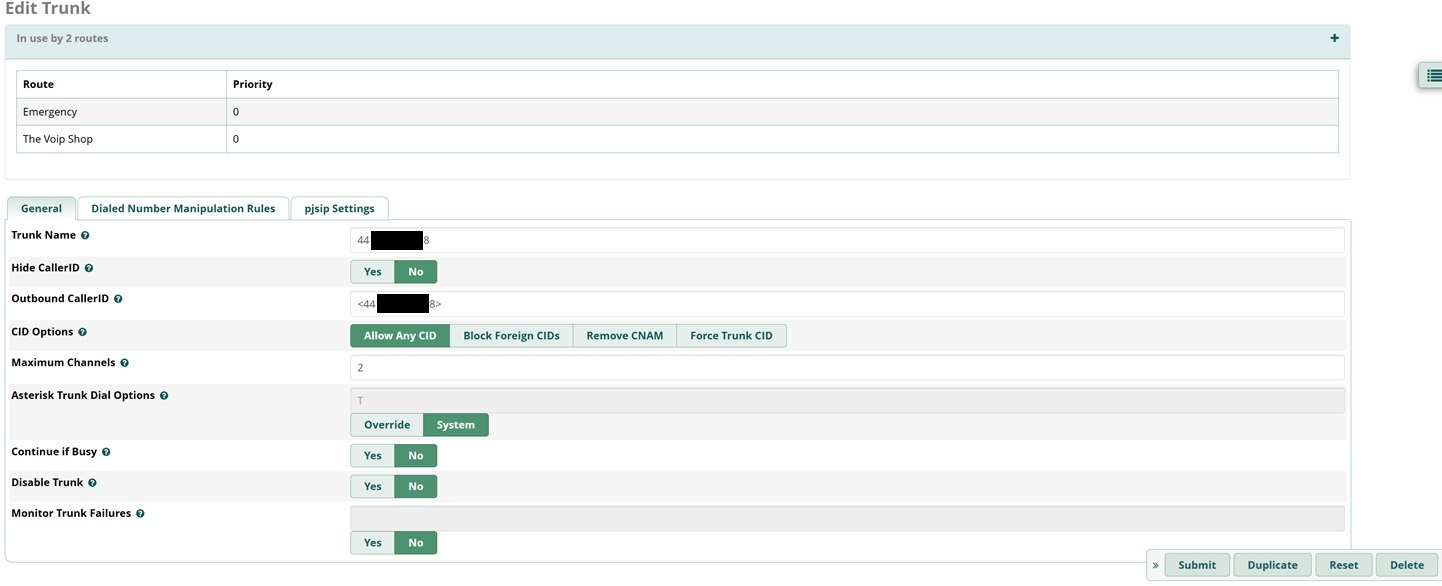
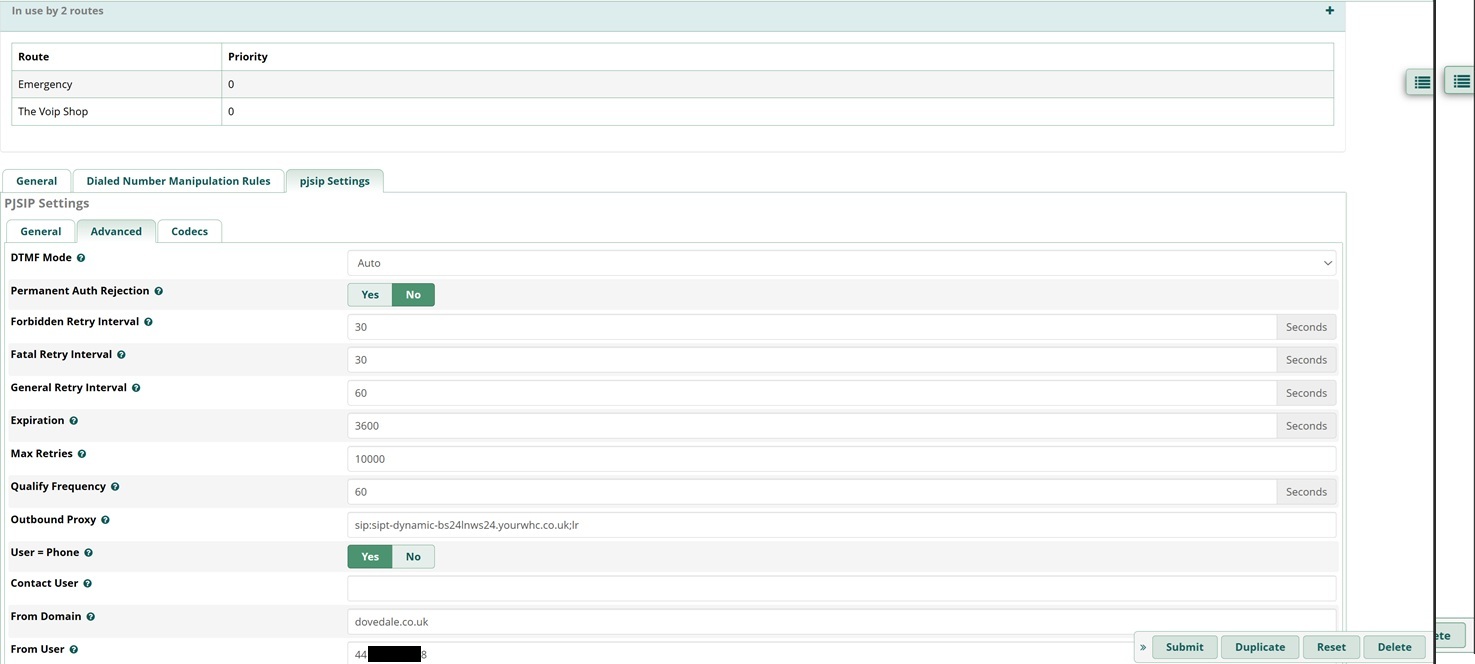
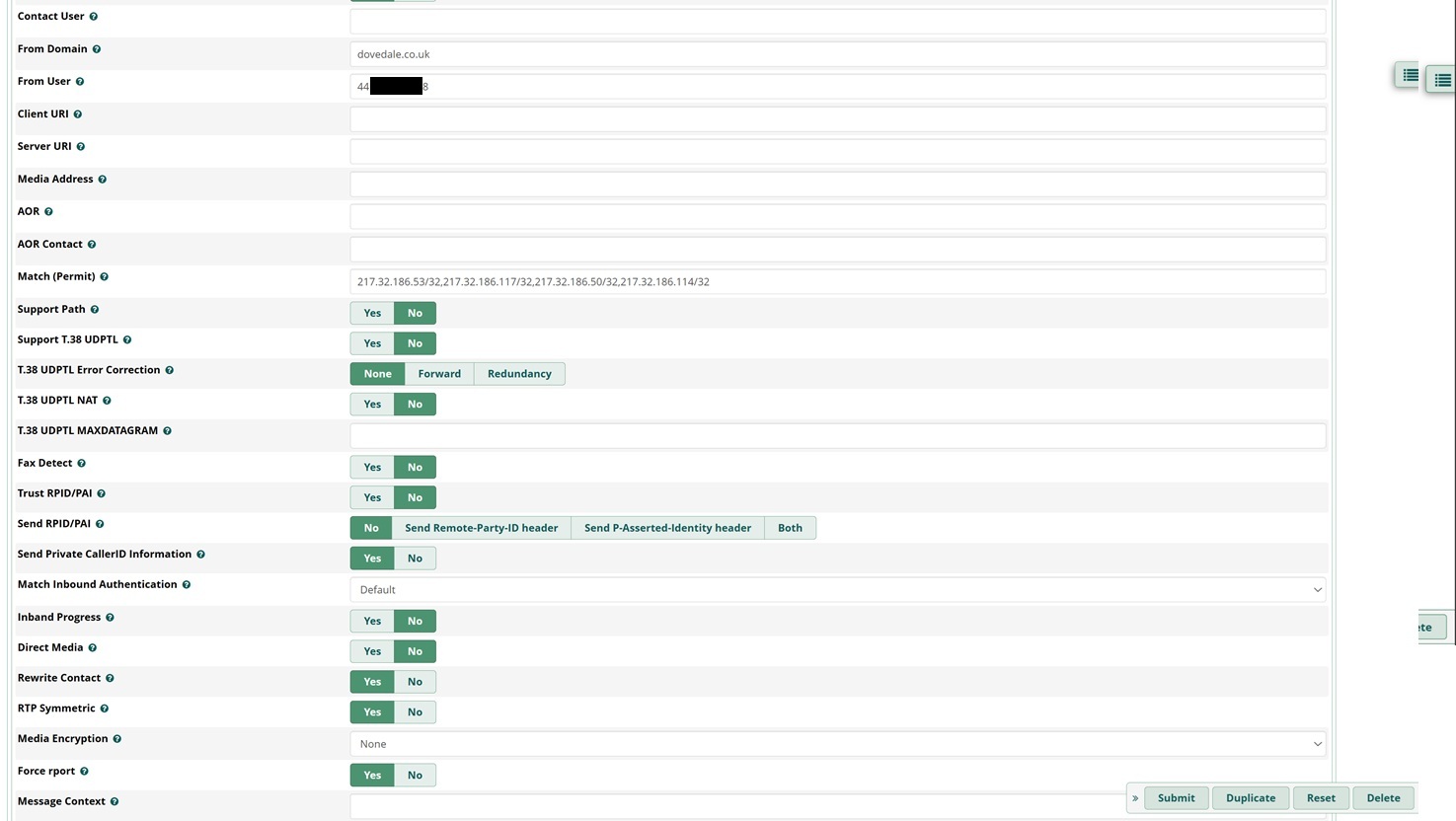
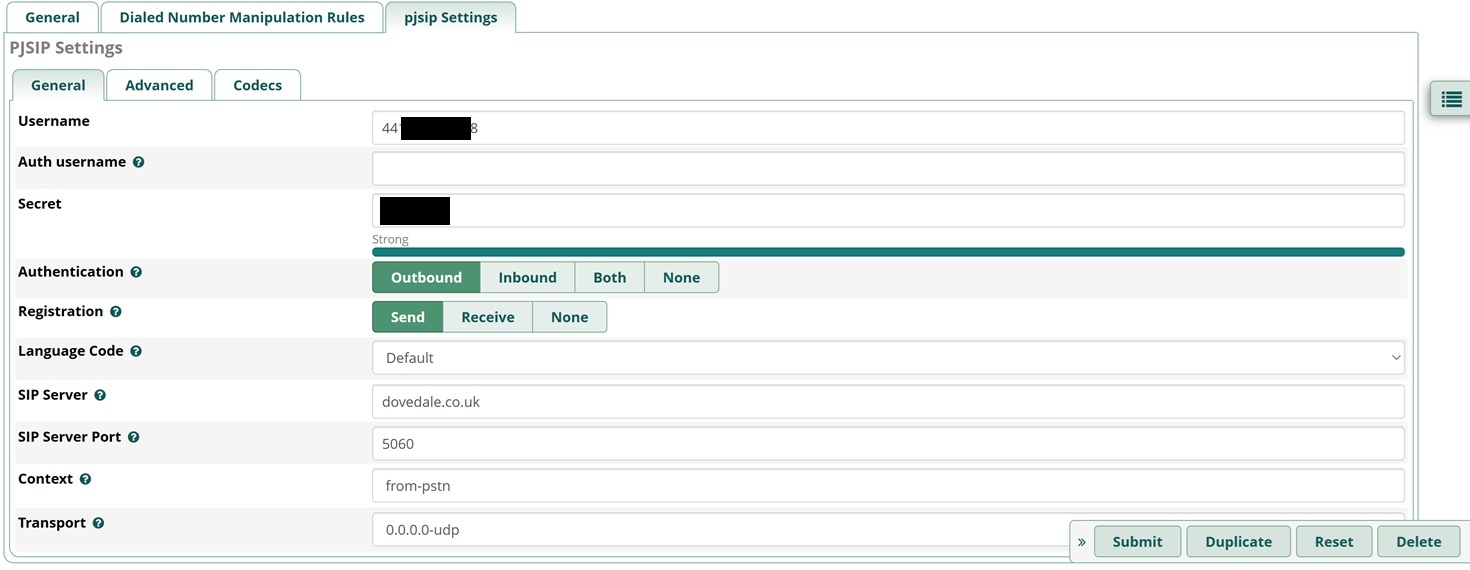
I am trying to get a PJSIP Trunk working for Outgoing Calls. Incoming calls work fine. The PJSIP Trunk registers fine with my new VOIP Provider (The VOIP Shop). I only managed to get incoming calls working by including The VOIP Shop’s IP addresses in the “Match (Permit)” field on the Trunk’s advanced settings.
Upon making the outgoing call, I immediately get, “If you would like to make a call, please hangup and try your call again.” That message happens everytime.
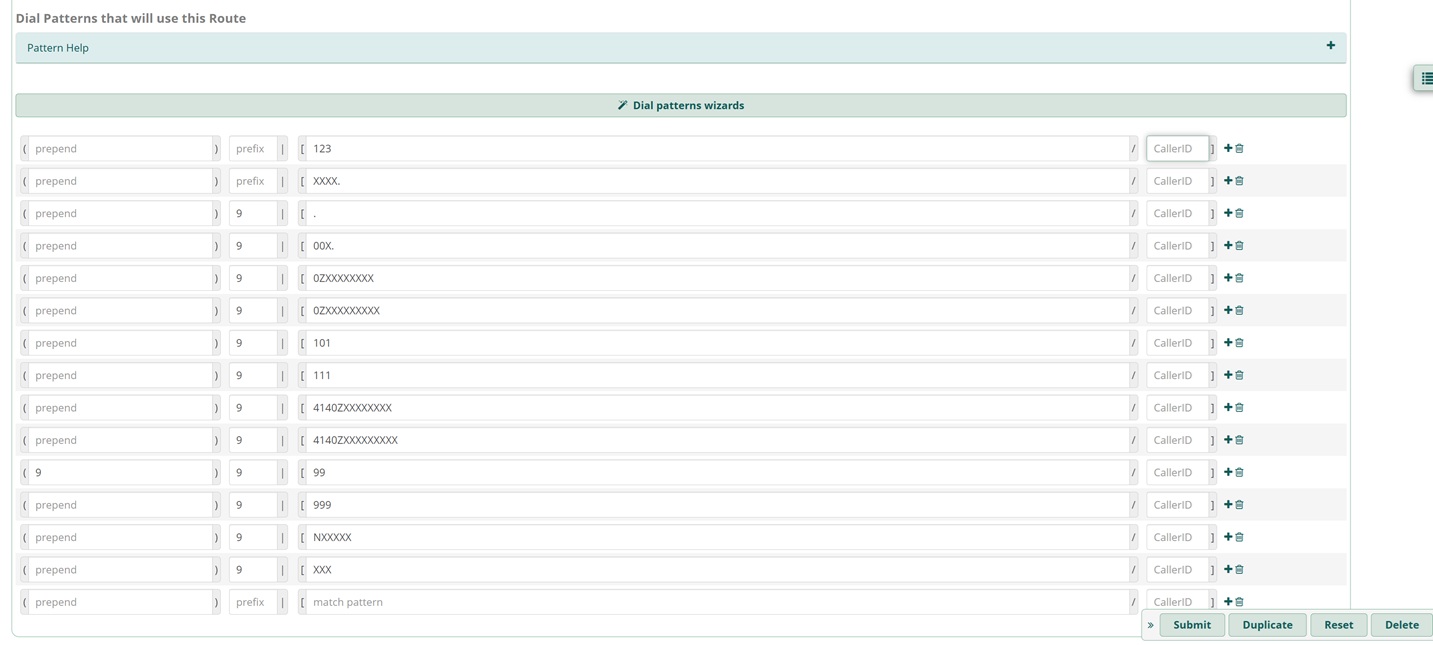
Please could you inspect the log taken with PJSIP Logger. The log covers me calling out on Extension 43, trying to dial my mobile number. I have tried other numbers and cofigured the dial plan to accept any phone numbers dialled. The provider stated that phone numbers can be in either the (UK) national or international format. I have G722, G729, ulaw, alaw codecs set up, in that order.
One last thing to mention is that when I had the Trunk set up, it was before the phone number was ported. However, I have tried both the original phone number and new phone number when trying different PJSIP Trunk and Outgoing Route configurations.
I greatly appreciate your time and any suggestions. I have tried to ask my VOIP provider for assistance but they seem unwilling.
I have attached screenshots showing the trunk’s configuration. I have replaced my phone number, the username and my IP address to hide private information in the log.
Some of the dial patterns are temporary until I have fixed this issue.
Pastebin File Deleted