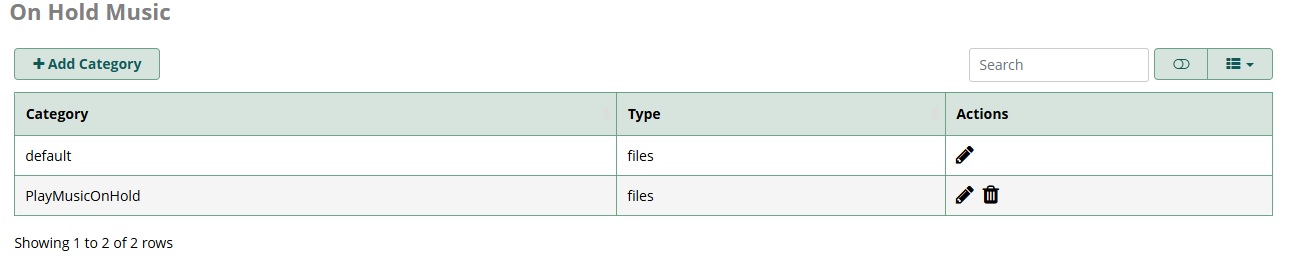
I have created a Music on Hold file with the name PlayMusicOnHold. Now I want to apply it to 200 extensions at once, not manually one by one for each extension. How can I do this in FreePBX 17?
You can use the bulk handler module.
Export your extensions and then edit that CSV, find the “mohclass” column and use the name you created before, then import that CSV from bulk handler again.
I changed the name from “mohclass” to “PlayMusicOnHold,” then saved and imported it. However, it is still set to “Ring.”
Once you define the music on hold, then you go to the inbound routes and the outbound routes and you can select that music. In the Inbound Routes, in the general tab there is a “music on hold” and it is set to “default” change it to what you uloaded.
you apply it to the entire route(s), not the individual extension
It not worked that way
Inbound and Outbound Routes are used for outside, I just want to apply this way in my local extensions.
I can confirm that @HawaiianHopeOrg’s solution works because I literally faced the same problem.
It would probably be prudent if you more accurately described your problem.
@slobera provides a solution that would allow you to quickly assign individual hold music to every single extension let alone, assign the same hold music to all extensions.
Edit: correction of grammar.