I have released a beta version of the alternative Heqet ISO for low-touch installs, which you are welcome to try out. It’s free, and code for the build has been uploaded to @20telecom’s GitHub.
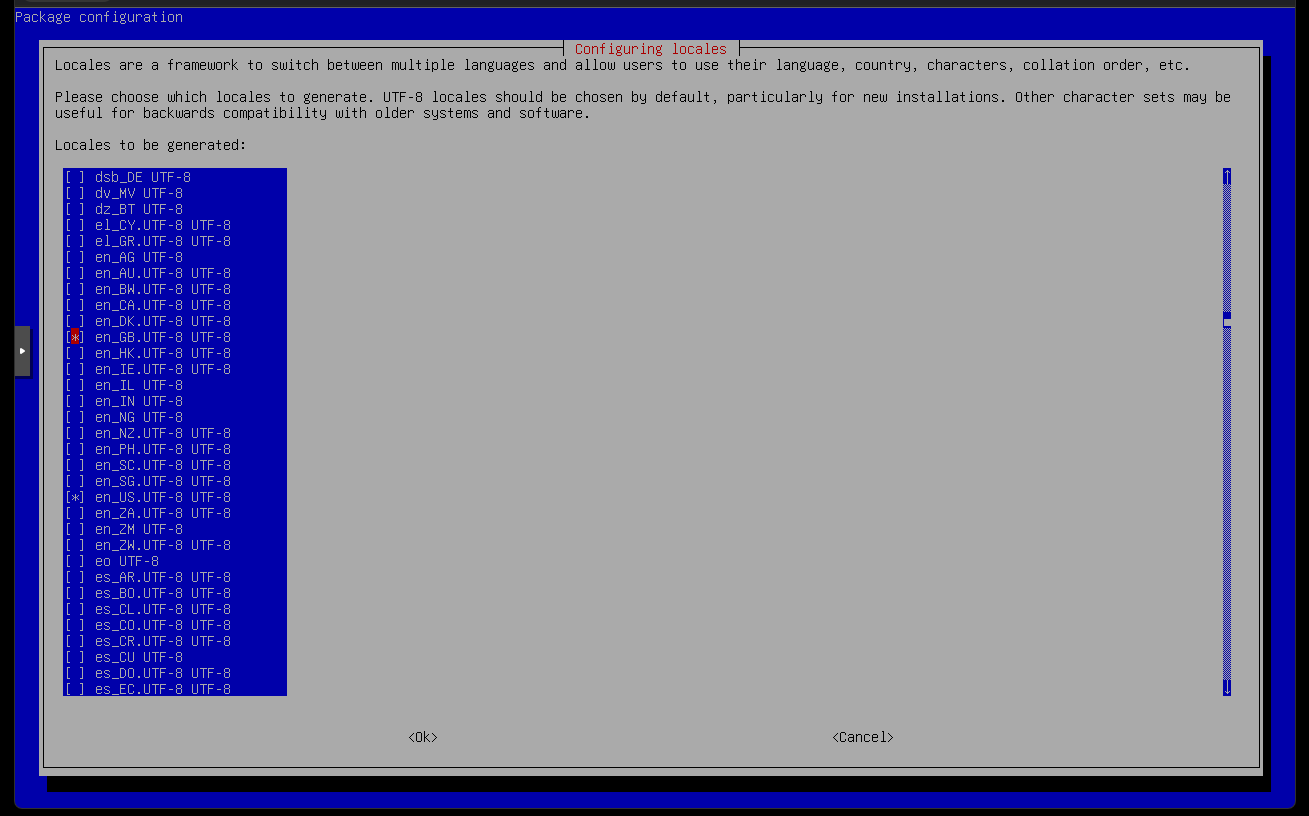
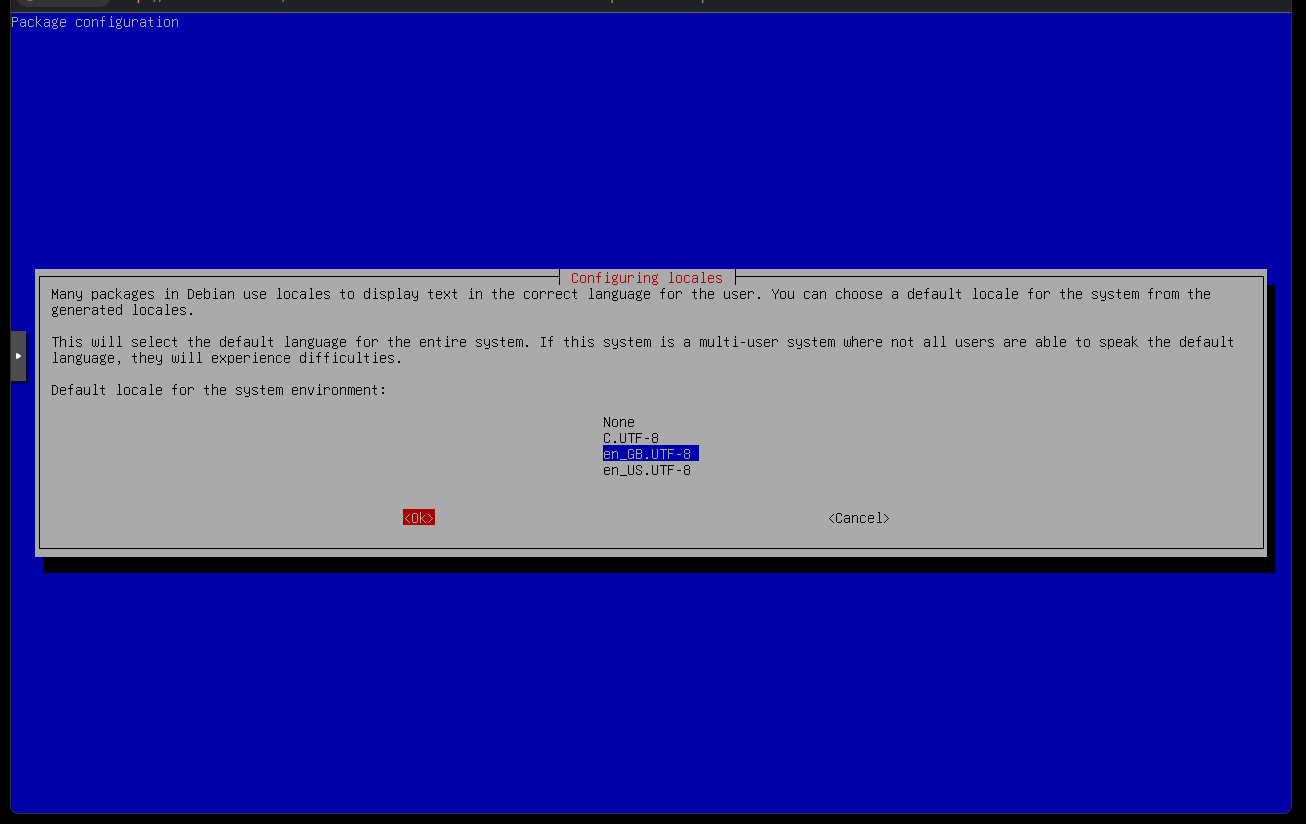
The Heqet ISO seamlessly installs FreePBX 17, Debian 12, Asterisk 22, MariaDB 10, with the most recent IN1CLICK installer. It is deliberately designed for bare minimum user interaction: choose en_US or en_GB region, UTC, this is full disk only, and you must have internet access.
You can download the latest version here https://heqet.in1.click/beta/freepbx17.iso
There are some improvements to be made, but I wanted to get something out sooner rather than later. I have been working on this for a few weeks and it should now be suitable for wider testing.
Hit enter at the initial boot screen
Copy the random root password
Choose en_US or en_GB, or Abort.
Eject media after Debian installation
IN1CLICK runs automatically on boot
Welcome to FreePBX 17
Please share any suggestions, keeping the spirit of “in one click” in mind. It isn’t meant for everyone, but I hope it will suit newbies and those needing rapid, regular deployment alike.
You can select any locale from here, so it may be useful for future reference. I might just create ISO configurations for everywhere, who knows. I am trying to make it fast and seamless, there is already an ISO if customisation is what you need.
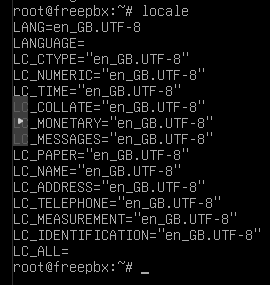
Sorry about this, I am annoyed with myself. It is in beta and there are a few things that can’t be easily spotted in testing, despite creating and running at least 150 versions. Imagine how long that takes!
If you are a newbie, don’t be alarmed by these screenshots and having to do this. You would have had to do this anyway after initial boot-up. I am trying to minimise the required interactions.
You can change the root password with passwd and ssh access is disabled by default.
If you spot anything else, please let me know here or in a private message.
Locales has always been an Achilles heel in Debian 12 to start with. Every fresh install whether that’s an iso or cloud image has always had me setting locales. I will give this a spin
I have made a number of improvements to the alternative Heqet ISO over the last couple of weeks, including fixing the locale selection issue mentioned above.
IN1CLICK has also received a number of new features to help stabilise the installation of FreePBX 17, such as checking the official mirrors for performance issues before attempting to install FreePBX.
The Heqet ISO automatically installs Debian 12, FreePBX 17, Asterisk 22, and MariaDB 10, with the latest IN1CLICK installer for minimal user input.
I am happy to answer any questions and discuss any suggestions that you have.
Please visit the README files before trying the Heqet ISO.
Kieran
EDIT: YouTube video link updated to version 1.3.2 in new reply.
I have made a number of improvements to the alternative Heqet ISO over the last couple of weeks, and carried out successful testing for USB installations, as well as cloud.
IN1CLICK 1.3.2 has also received a number of new features to help stabilise the installation of FreePBX 17, carrying out all of the necessary pre-flight checks before running the official installation script from Sangoma.


 IN1CLICK has also received a number of new features to help stabilise the installation of FreePBX 17, such as checking the official mirrors for performance issues before attempting to install FreePBX.