whenever I try to search the ip it doesn’t connect to the web and idk why. the ip is not the typical 192.168 starting one. I’m working on oracle virtualbox
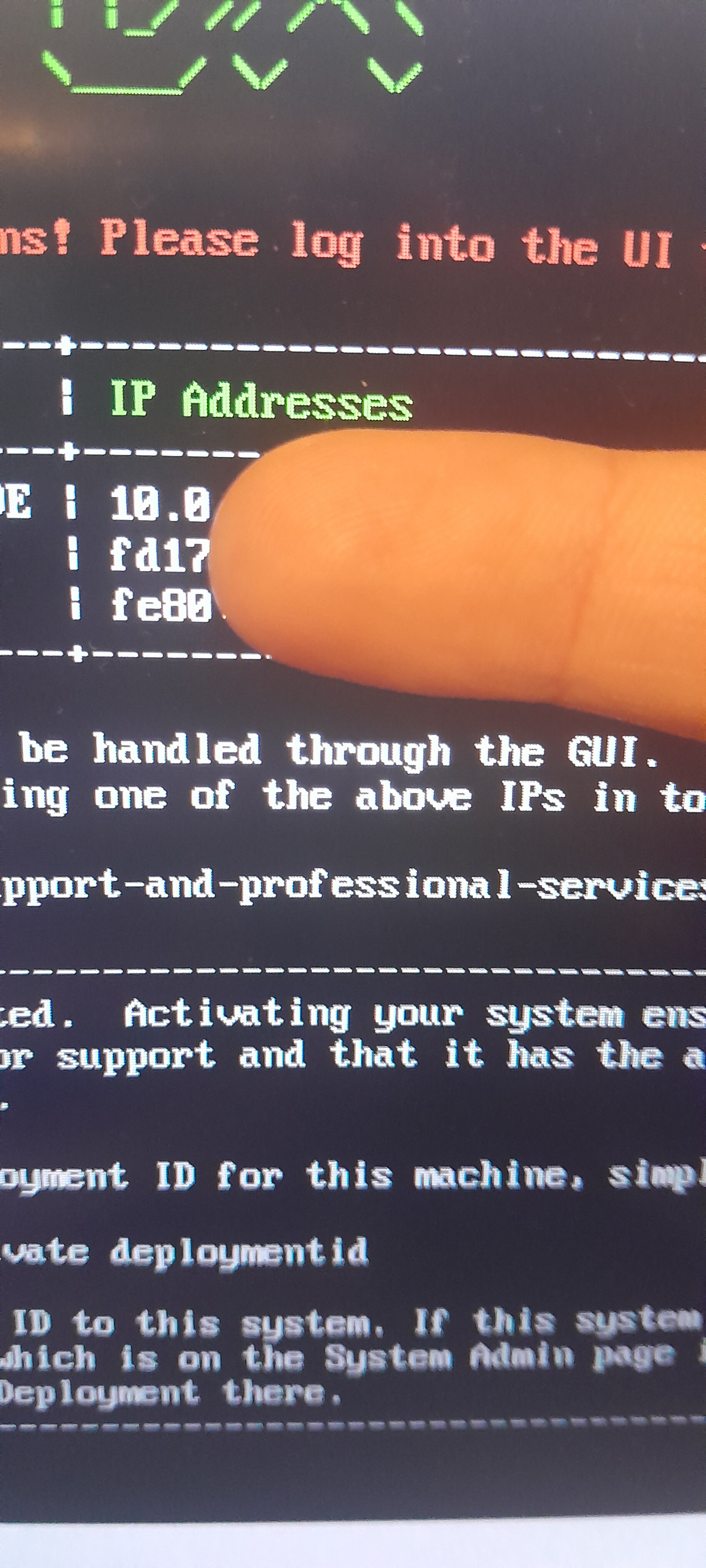
update: i put the web as bridged and it made the ip with that format, except i still cant login. what do i do?
My experience is that trying to set a static IP is irritating and frustrating. Debian is sort of going through a personality change/argument with itself these days on this issue. Debian 12 is still clinging to /etc/network/interfaces while many downstream distros (Ubuntu, etc.) have shifted over to Netplan.
If you are doing a bare metal installation of Debian 12 on fairly new hardware then you can save yourself a lot of hassle by installing the full GUI and then running NetworkManager out of GNOME and using the GUI to set the static IP, then reboot the server to verify it’s solid, long before running the FreePBX install. This is also an option for virtual setups like your ESXI system if you have a current ESXI version (like version 8) and you are running on pretty current and powerful hardware and are willing to assign extra resources to the Virtual Machine. The one useful thing I’ll admit about doing it that way is you can setup xrdp and use Windows terminal server client/remote desktop client, to access the FreePBX console.
But what I do is I’m sort of stingy on resources for VMs, my lab Debian guests are all virtual and I install them without the GUI, and then once the VM is up I go into the DHCP server and hard code the MAC address into a lease reservation for a static IP, reboot the VM and do it that way. That way I don’t have to bother with whatever the flavor-of-the-month way of setting the static IP is in Debian. I use ssh for console access. That’s less resource intensive.
For VMWare I haven’t yet spun up an ESXI 8 hypervisor, as I was very burned by VMWare’s ESXi-is-gonna-be-commercial-so-bend-over-and-take-it-in-the-shorts-oh-god-nobody-is-buying-our-junk-anymore-emergency-emergency-put-it-back-the-way-it-was-before-esxi-is-free-again-now-yall dick move flip flop last year so I switched over to KVM-quemu which works just as well as ESXi does. At least, it does for me. YMMV But, with my earlier ESXi 5 setups, I found that you had to assign the VM bridged when you were creating it, and select the physical interface to bridge on, or it didn’t work right. Once you created the VM going back into settings and trying to turn off NATting was generally a no-op.
My advise is start over with a new VM, create and assign bridged interface and activate it during the GUI setup for the new VM in VMWare, and then during the Debian install, select OpenSSH. Then make sure you can SSH into the Debian 12 guest OS before you start the FreePBX install. If that does not work then ask for help on the vmware subreddit on reddit. What VMWare did last year pretty well decimated the community support of ESXi, but there’s still a few more trusting souls out there still using ESXi. Otherwise, if you have a commercial license, ask VMware support for help.
Oh shoot, I just reread and saw your on virtualbox. Well, most of the same advice applies, I’m going to leave the post in case someone with vmware needs it. It’s been much longer since I’ve played with virtualbox, but I also found the same to be true with it - set the guest OS image to bridged during creation with the GUI. Incidentally, the same advice also applies to HyperV which I’ve also used - don’t mess around with the offer of NAT during the GUI setup wizard for that one, either. Just select bridged to the physical interface on the host and override the wizards warnings.
If you get totally into hypervisor configuration you can understand what is screwed up and build out virtual routers and all that nonsense in the hypervisors. But most people don’t want or need to do a deep dive into the hypervisor virtual networking, they just want it to work, so selecting bridging is the right choice out of box for them
OH GOD thats long i need it sbs also i dont use debian im going on asterisk
Your post includes a pic that shows a FreePBX prompt. FreePBX does use Asterisk, but it’s not Asterisk it’s far more than Asterisk. And FreePBX is built on Debian.
If you want the TLDR version then I put it at the bottom, and I’ll repeat it:
“set the guest OS image to bridged during creation with the GUI.”
Then when you hit the next stop after that, you can go back and read the full explanation.
The post was long because this stuff isn’t simple, stupid. If your goal in life is to go through it doing simple, stupid, rushing through stuff so you can get back to doom scrolling on your phone, then your going to find this IT stuff constantly frustrating.
Trust me on this, life is far more interesting and fun to live if you embrace the complexity of it.