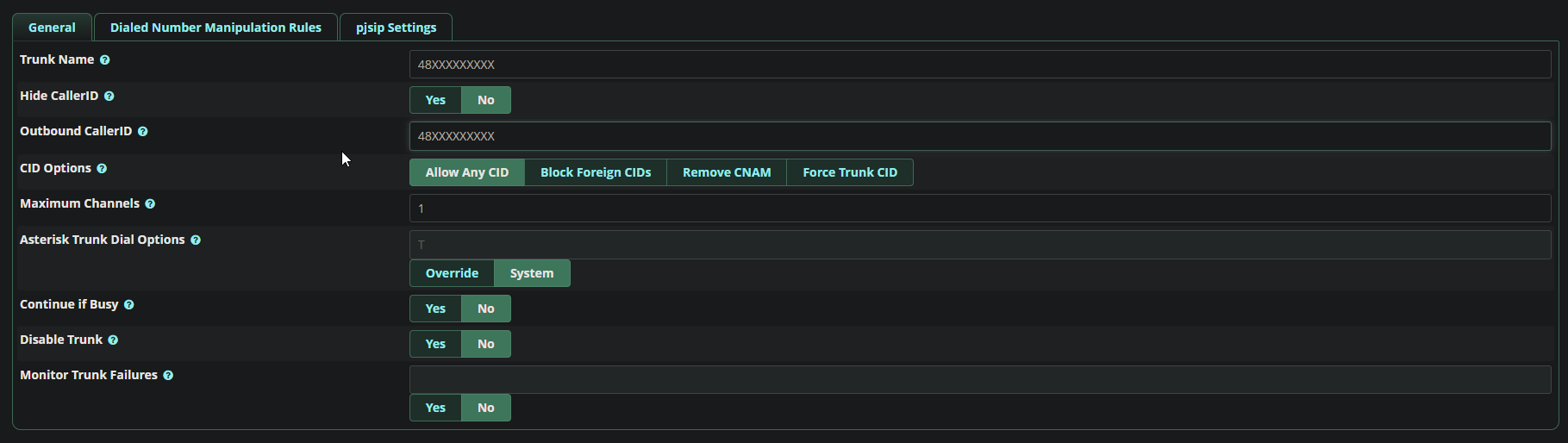
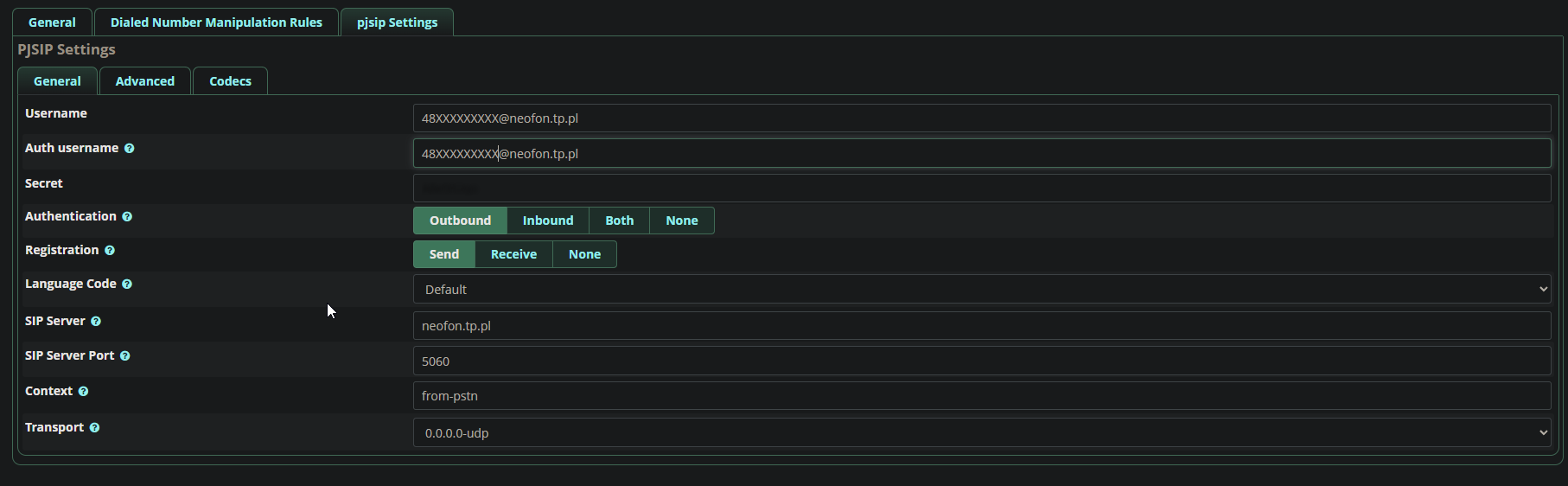
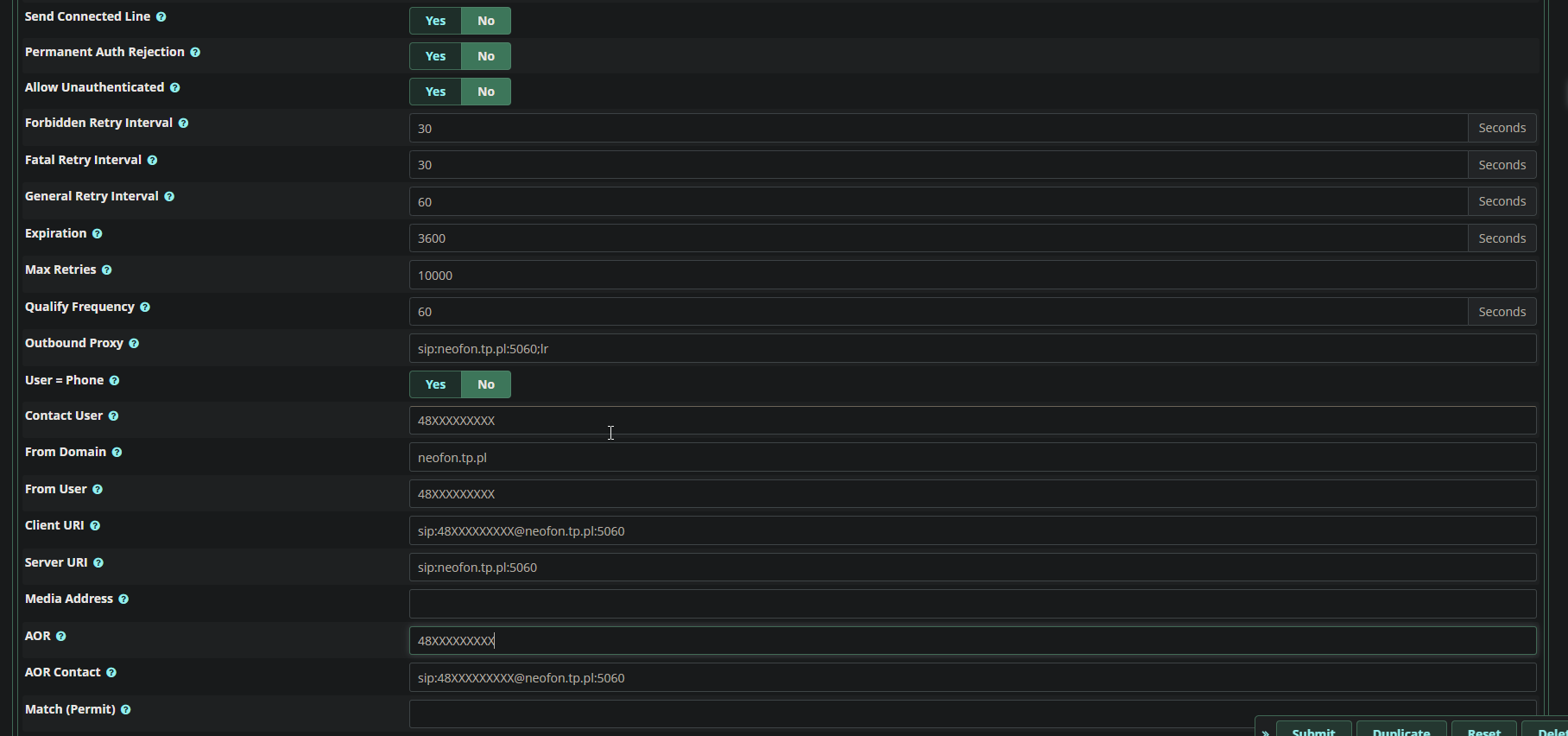
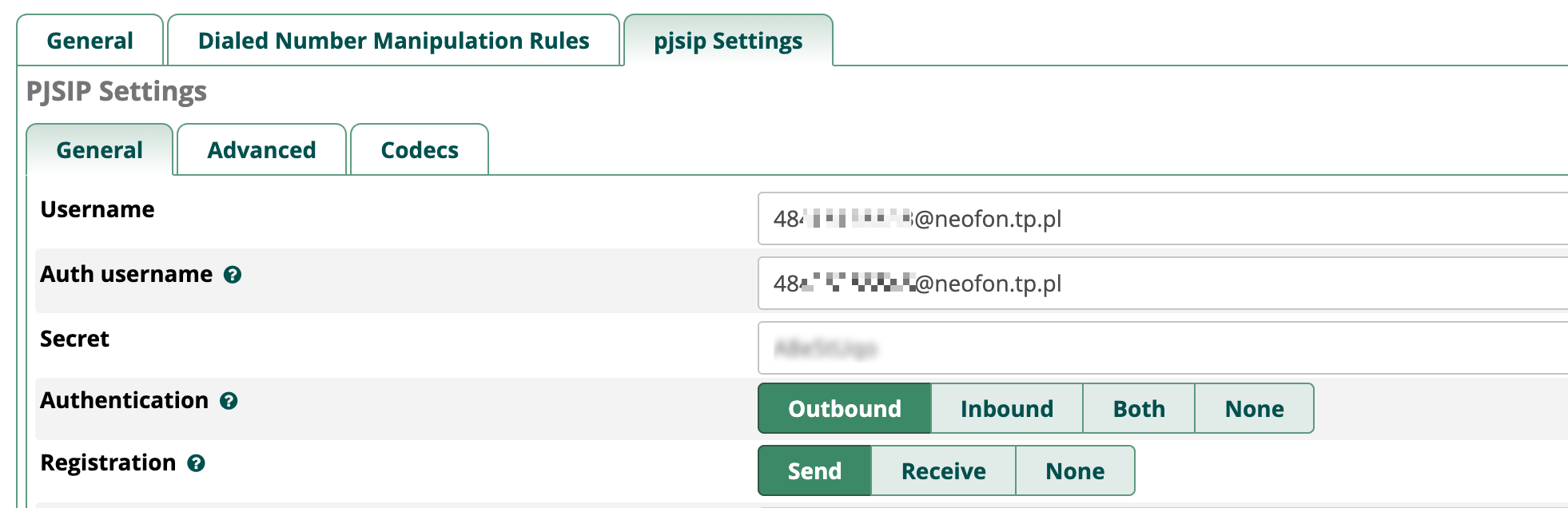
if i dont hover my mouse over this, it blurs it. With an extension that turns light mode pages into dark mode it appears that there is nothing there but I assure you the password is filled out. If I hover over it, it appears. If i refresh it’s still there, even on another device it’s still there
I think we need to see what is in the challenge, in their 401 response. Use pjsip set logger on, to enable output of the SIP, or use sngrep, or use tcpdump/wireshark.
I should also mention that this happens intermitently, sometimes it’ll say all circuits are busy sometimes it will connnect and sometimes it’ll ring once or twice and say all circuits are busy
However, only getting this for OPTIONS should not be a problem, as all Asterisk requires is some response.
Also, the presence of the 192.168… address means that you haven’t correctly configured your external address and/or local networks. This should be the public address of your NAT router.
If you are inside NAT, and the provider is outside of NAT (the most common case, I would suggest), and noting that the following page is from an older version of FreePBX, in the following, External Address should be your address as seen from outside NAT (typically a public address, although some providers may use shared addresses), Local Networks should cover the FreePBX machine, and all the terminals on your LAN and any VPN.