Stewart,
I greatly appreciate your prompt response!
You should be using bridged networking on your VM, so the FreePBX IP is on the same subnet as the Windows host and the HT813. With bridged networking, the default would pass all ports so there are no network ports to configure. If you still have trouble in this area, post details (Hyper-V, Virtualbox, VMWare, etc.).
Apologies for the confusion. I set it up as a bridged connection. I’m currently running my virtual machine on the Virtualbox software.
Except possibly for testing, Unconditional Call Forward to PSTN should be left blank, so FreePBX can specify the number to be called.
In Unconditional Call Forward to VOIP, the SIP Server address will likely change, since FreePBX will have a new address with bridged networking.
Would you know how to retrieve the correct server address? I’m currently using the address the root interface gave me,
Set Number of Rings to 2 (to get caller ID passed to FreePBX). Set Stage Method to 1.
Got it, & updated it.
If you still have trouble, make a test call in from your mobile. If anything appears in the Asterisk log, paste that at pastebin.freepbx.org and post the link here.
If nothing in the Asterisk log, run sngrep on the PBX and see whether the INVITEs appear there. If so, the call is likely blocked by FreePBX firewall; mark the HT813 address as Trusted.
Nothing on these 2 
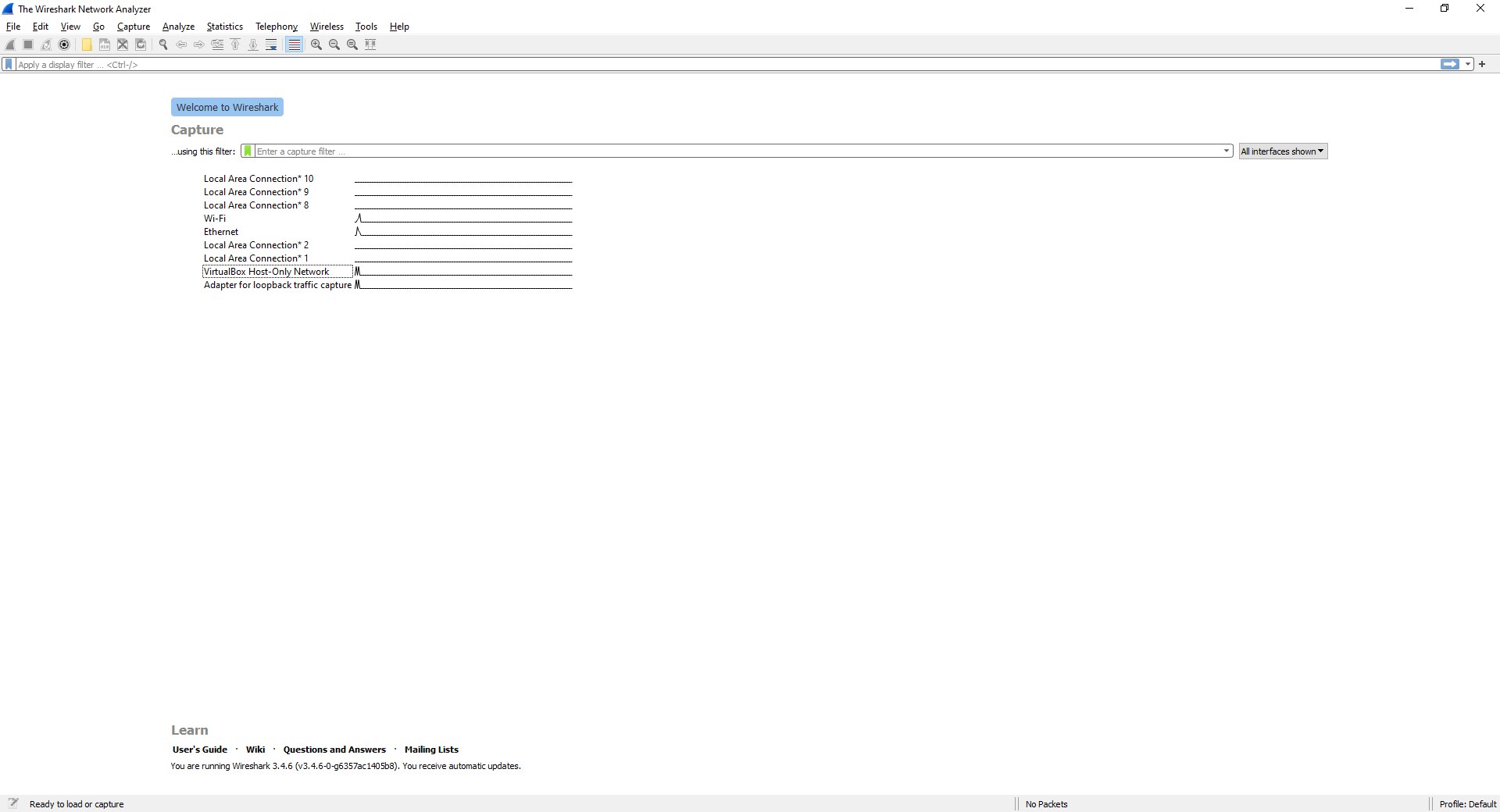
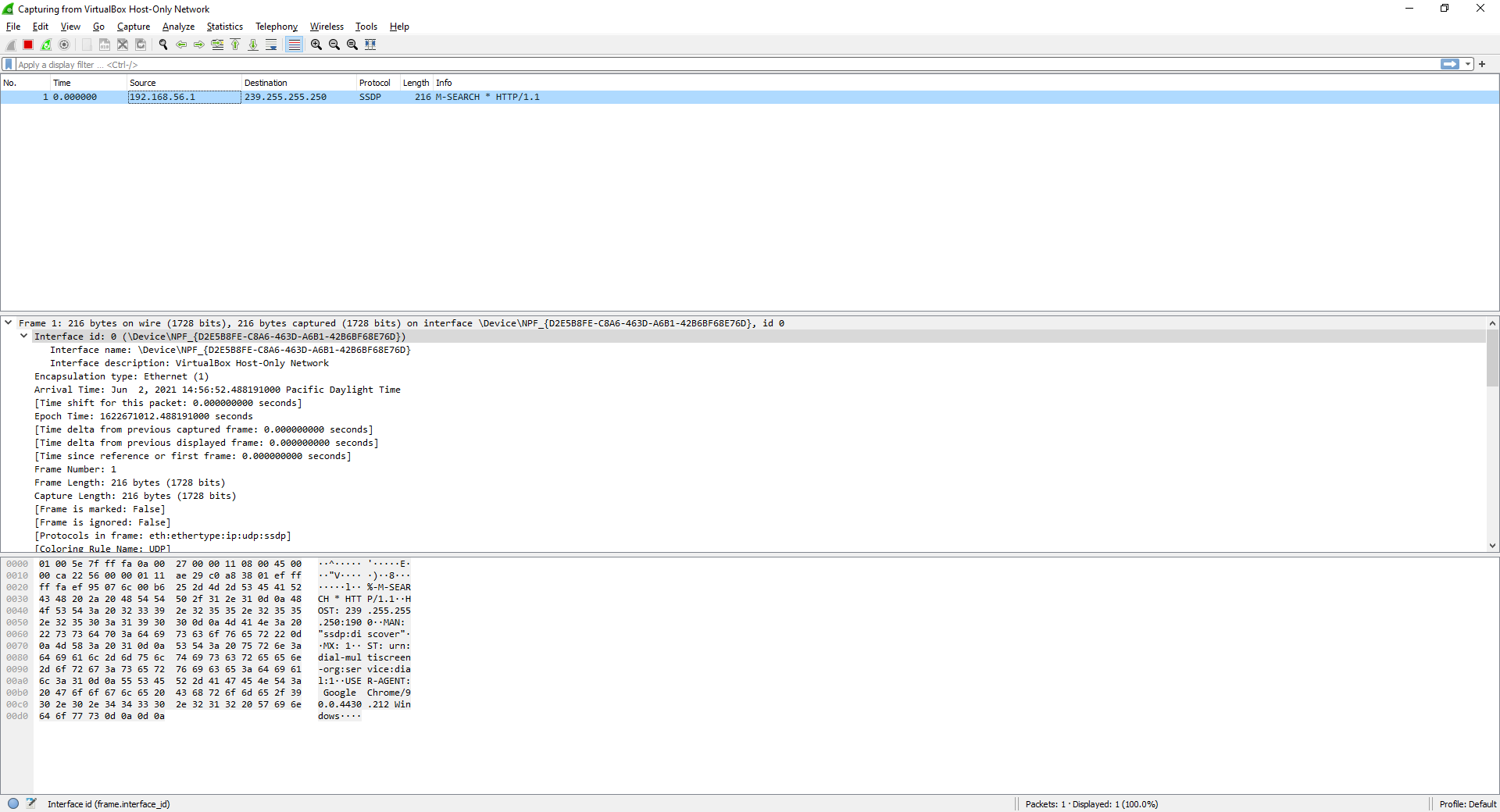
I downloaded Wireshark on the host Windows PC & tried to look at the results being given back. It seems the gateway does communicate with the Computer, but cannot seem to find much for FreePBX. It could also be I’m not too familiar with Wireshark lol.
Thanks in advanced!