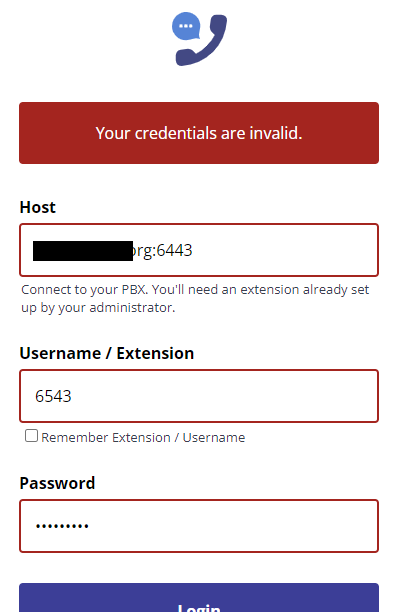
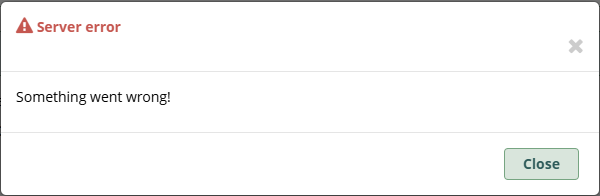
I don’t know if I’m doing something wrong. But I have the licenses for SangomaConnect. I was troubleshooting not being able to log in (keeps saying “invalid credentials” in the application even though I know it is correct, even changing the password several times just to be sure). I have the correct domain and the port, as well as the username / extension.
Is there another place to check? I also tried removing myself as a SangomaConnect user and then re-adding. I enabled it both from SangomaConnect and from my user page under User Management, but it doesn’t show me in there (it says currently using 4 of 20 users on the SangomaConnect page, but it shows 5 of 20 on my user page).
Thanks. All was green for me and I should say I’ve had SangomaConnect already for a couple years (so that was all good). It was just I renewed it yesterday and that’s when I ran into issues.
I’ll play around more this week to make sure it works. I found another way for now but I want to make sure I get SangomaConnect since we just paid for it.
I just tried for sanity’s sake again just now. I changed the password on the UCP password. Then I went to the UCP and was able to successfully log in with that. When I open up Sangoma Phone and put in those same credentials, it tells me the credentials are invalid.
It doesn’t work with a coworker’s either, just tested. Same story - hard set the UCP password to something basic, then tried using that in the Sangoma Phone app and it works.
For what it’s worth, for fun I also tested with MicroSIP softphone and the credentials work immediately.
Do we have to be a paying customer to open a ticket? We don’t pay for support for FreePBX since we don’t regularly use it yet. We’re still kind of in our experimental phase.