Hello,
I bought this P330 new some time ago. And never got round to installing.
I have FreePBX v17 distro in service. End Point Manager is not installed.
The phone has version 4_2_3 image on it.
When it boots it gets on the network and is PINGable, but the boot screen stalls at ‘Choose Sangoma Configuration Server’ and there are no TFTP servers listed. In our DHCP scope Option 66 is set to the IP address of the FreePBX 17 server, but the phone just can’t see it. We have old Cisco 6941 phones running on this FreePBX server and they are happy picking up Option 150 when they boot in order to find their config. But the P330 won’t/can’t see the FreePBX server.
Even when we change the option config to reflect ONLY tftp-server-address 10.42.18.86 or tftp-server-name 10.42.18.86 and get rid of the VCI, the phone still doesn’t receive the option. We can’t leave it like that for long as we have a production Cisco VoIP network that we’re trying to migrate off.
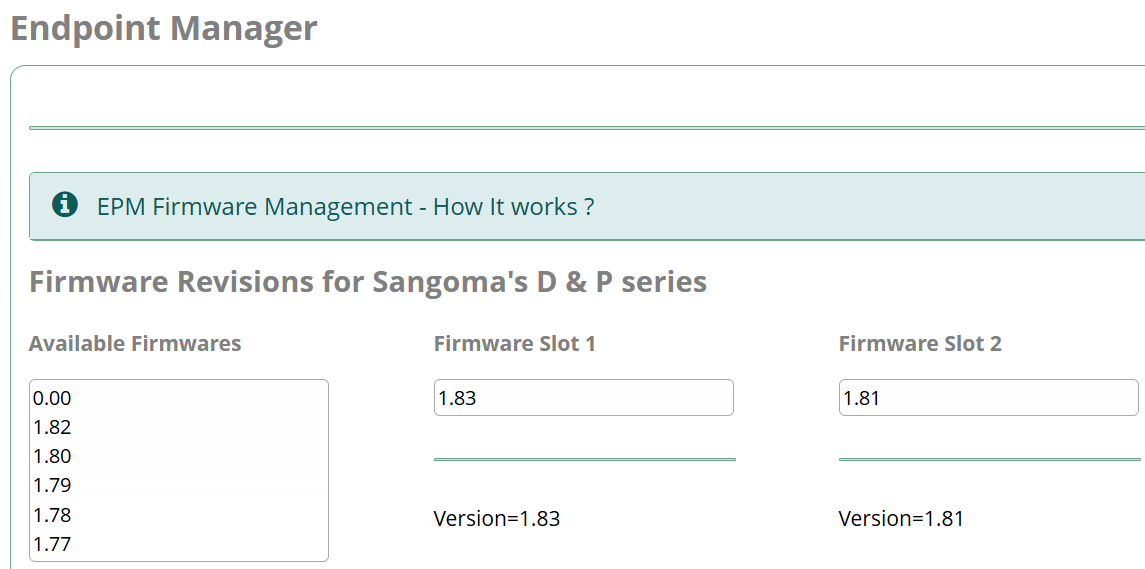
I would manually update the firmware on the phone first. Also EPM will work for The P series phones without buying a license, so I’d set that up. I believe TFTP configuration is deprecated, try https provisioning. Do you have a valid ssl cert?
I don’t seem to be able to manually update it because I can’t get the new eff file onto it.
I’m not using certs on our FreePBX server presently.
I just need to get this one P330 (and its PM200) sidecar working, and all the rest of the phones that will migrate to the platform will be old Cisco 6941 models for which I’ve got xml config files figured out. Their boot up is incredibly slow but once registered they’re fine for our purposes.
Noting your comment about not needing a license for EPM I’ll install that and see how I get on.
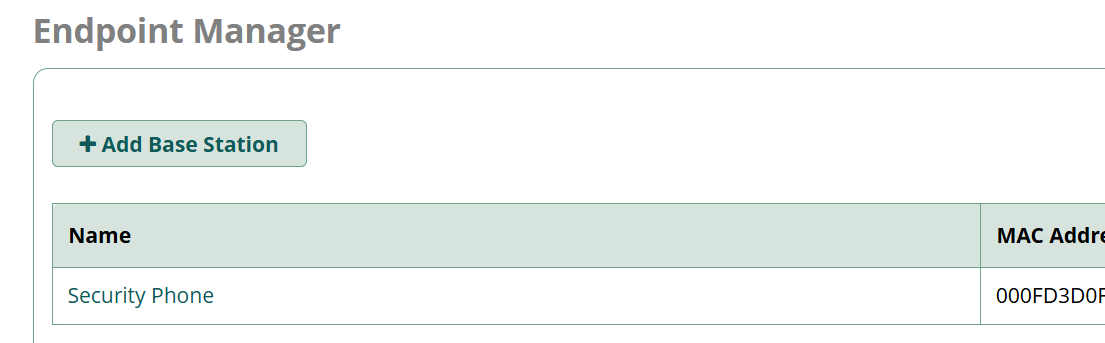
I never did get anywhere with the P330 phone and EndPoint Manager. When deploying a P330 or similar for the first time, does it have to be on the same VLAN as the FreePBX server? Even with EPM I’ve drawn a blank with this phone, stuck on 2022 firmware and it can’t see the TFTP server. I’ve haplessly clicked through EPM and put config in where it would appear to be needed but I’m flat out of ideas again.
If someone looks and thinks ‘You’ve not done this’ do please let me know.
Thanks
Nathan.
Capture the phone’s network traffic and report whether option 66 and/or 150 data is received, what it contains, and what actions (if any) the phone takes as a result.
Echoing @ozarktech, I strongly endorse the idea of updating the firmware as your first step since you’re having trouble connecting to your pbx. In theory, your pbx should also provide the firmware update right away, but you’re saying the phone doesn’t seem to be reaching out in the first place.
Your version, 4.2.3, is an old factory base version, that was replaced just a month later with 4.3.2 which includes fixes for problems we found with Option 66 provisioning. See related release notes here:
Further Option 66 errors were addressed later in firmware version 4.5.1.
I hadn’t stumbled across that! But I’ve now found what you pointed me towards at last here
The corporate network made it very difficult for me to get my laptop on the same network as the phone in order to be able to get to that /firmware page so had to step outside it. I’ve now got the phone to 4_28_1 at very long last!
Still can’t get it to boot with config from the server, but the phone menu options work now and it does at least try to fetch config. I’ll keep persevering.
Thank you for the pointer.