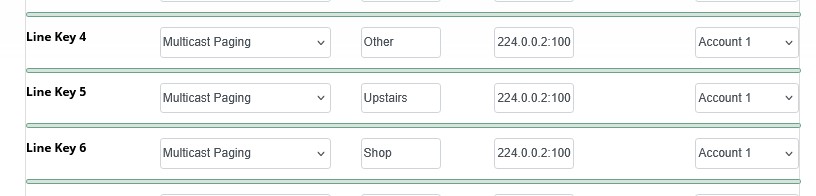
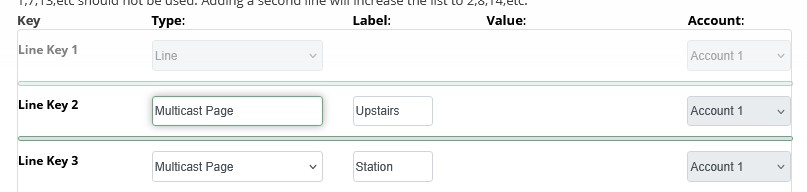
I wanted to upgrade some main phones from S505 to P325 phones. We use multicast to send messages over the lines. The S505 phones have an option (“value:”) on EPM to add the address:
is there a way to add it? It would seem to me that there is a simple solution to just pressing one button.
and IF there isn’t, wouldn’t this defeat one of the purpose of multicast, so that in case the server is not accessible, you can still send a message out?
yes, I have done that. On the P325 phone, the Line key assigned to multicast, when pressed it displays 3 options, Station Upstairs ALL, and from there if I select one of them, the proper devices ring. So it “works properly”, however, on the S505, I could assign a Line Key for each location, and, when pressed, it would just ring, without a secondary menu having to be accessed. Depending on which location I want to page, seems that on the P325 I have to go thru 3 steps before paging.
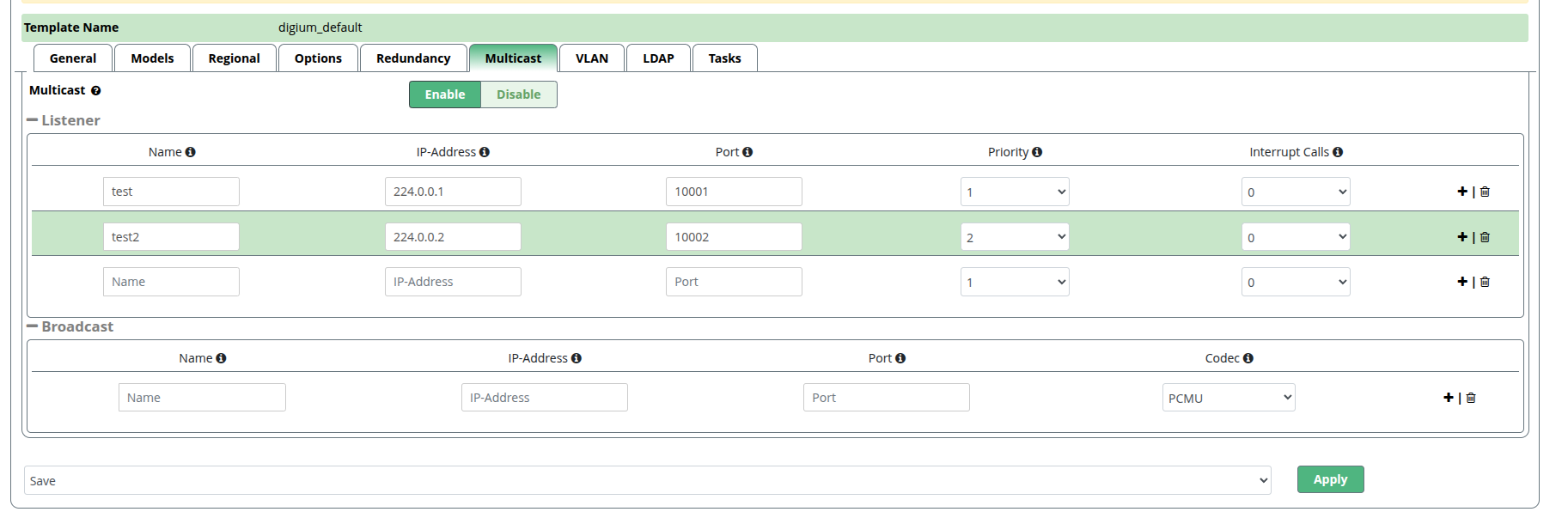
Ostensibly, yes, this is an issue for EPM, but I can assure that this feature is supported on the Px phones. If you can directly update the P325 config template, it depends on 2 settings in the phone config XML:
multicastpage in the fetched config
an mcastpage setting in the blf_items.xml
For the fetched config – note the id parameter in the broadcast element.