
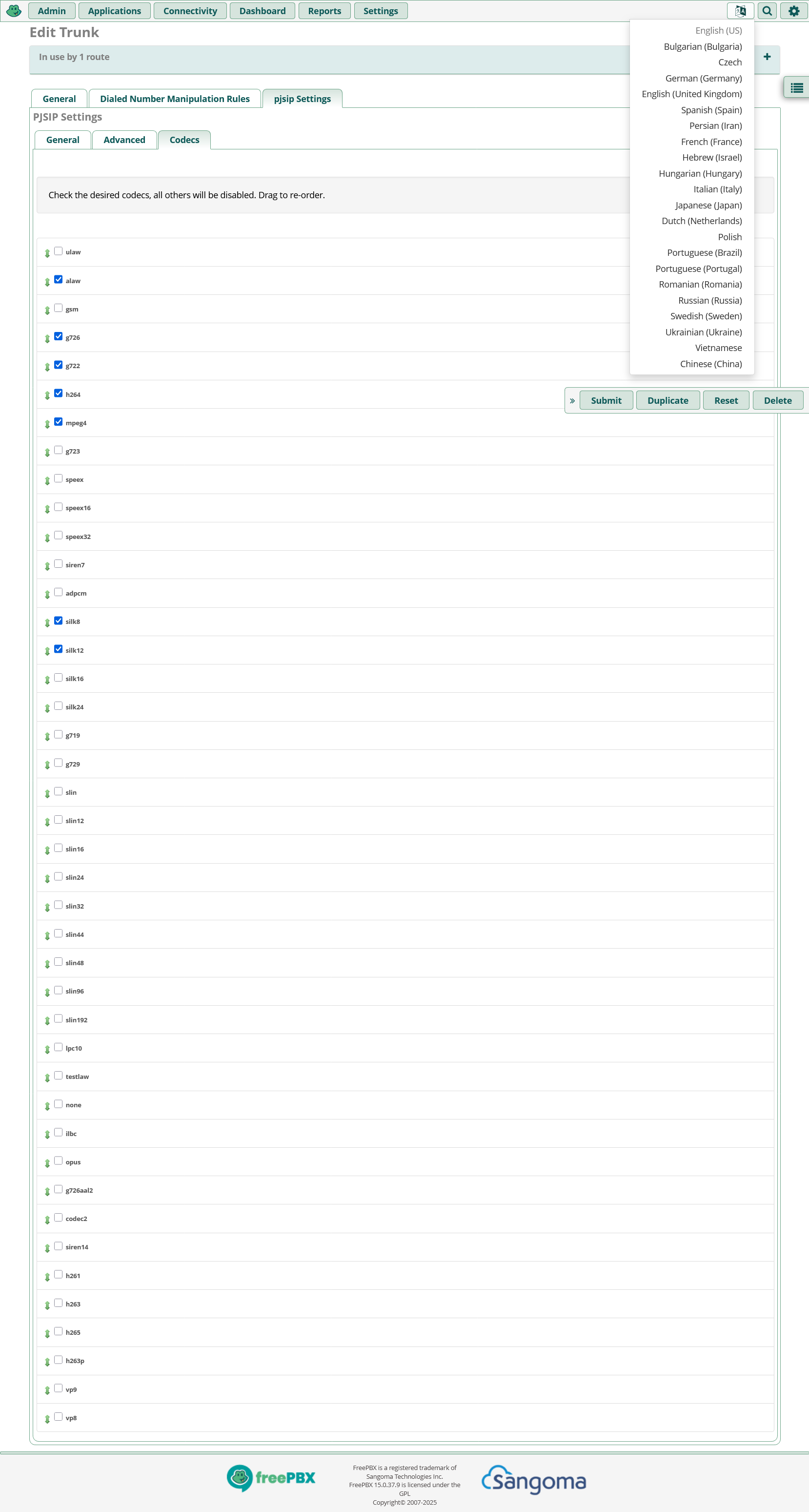
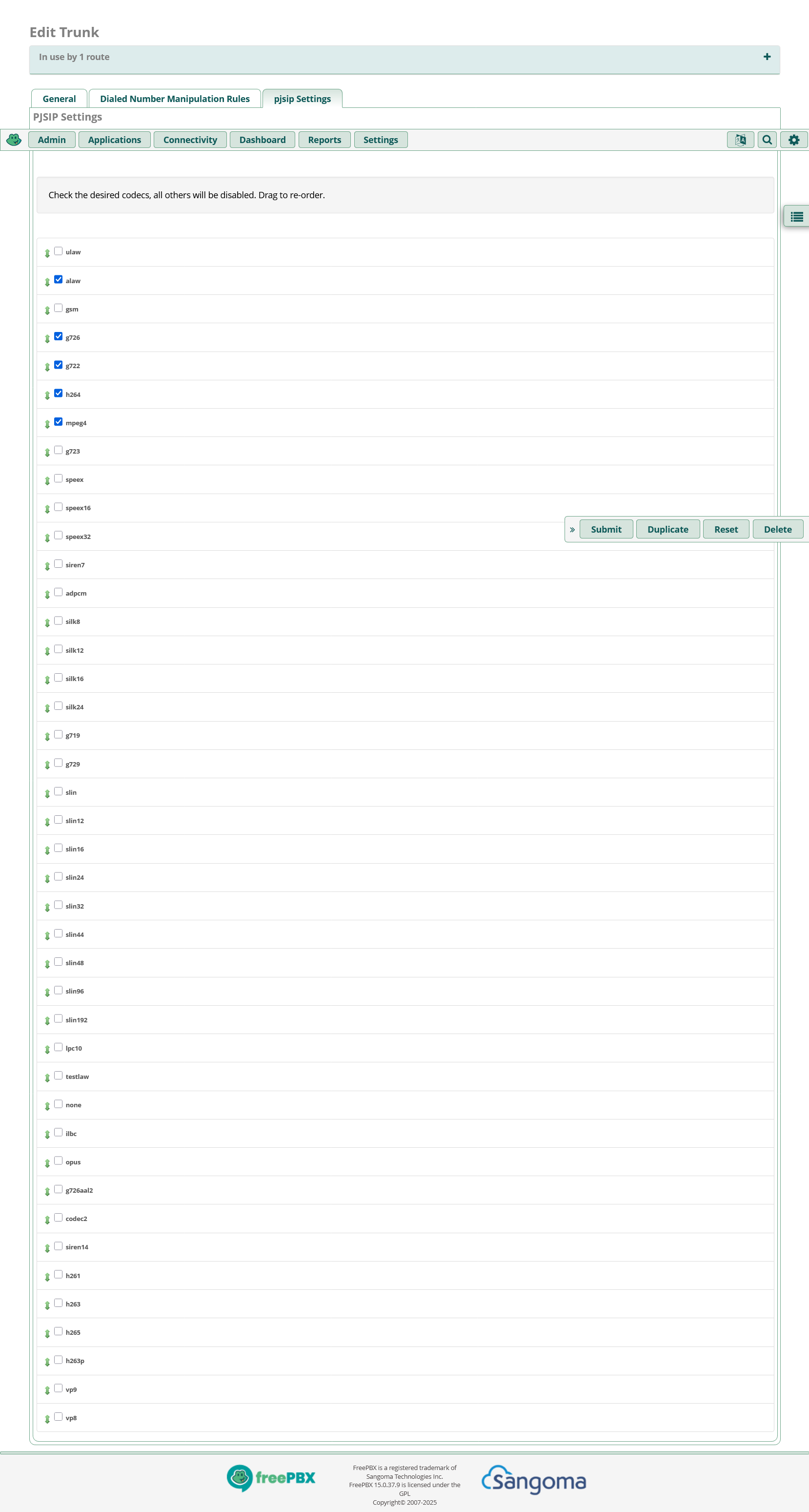
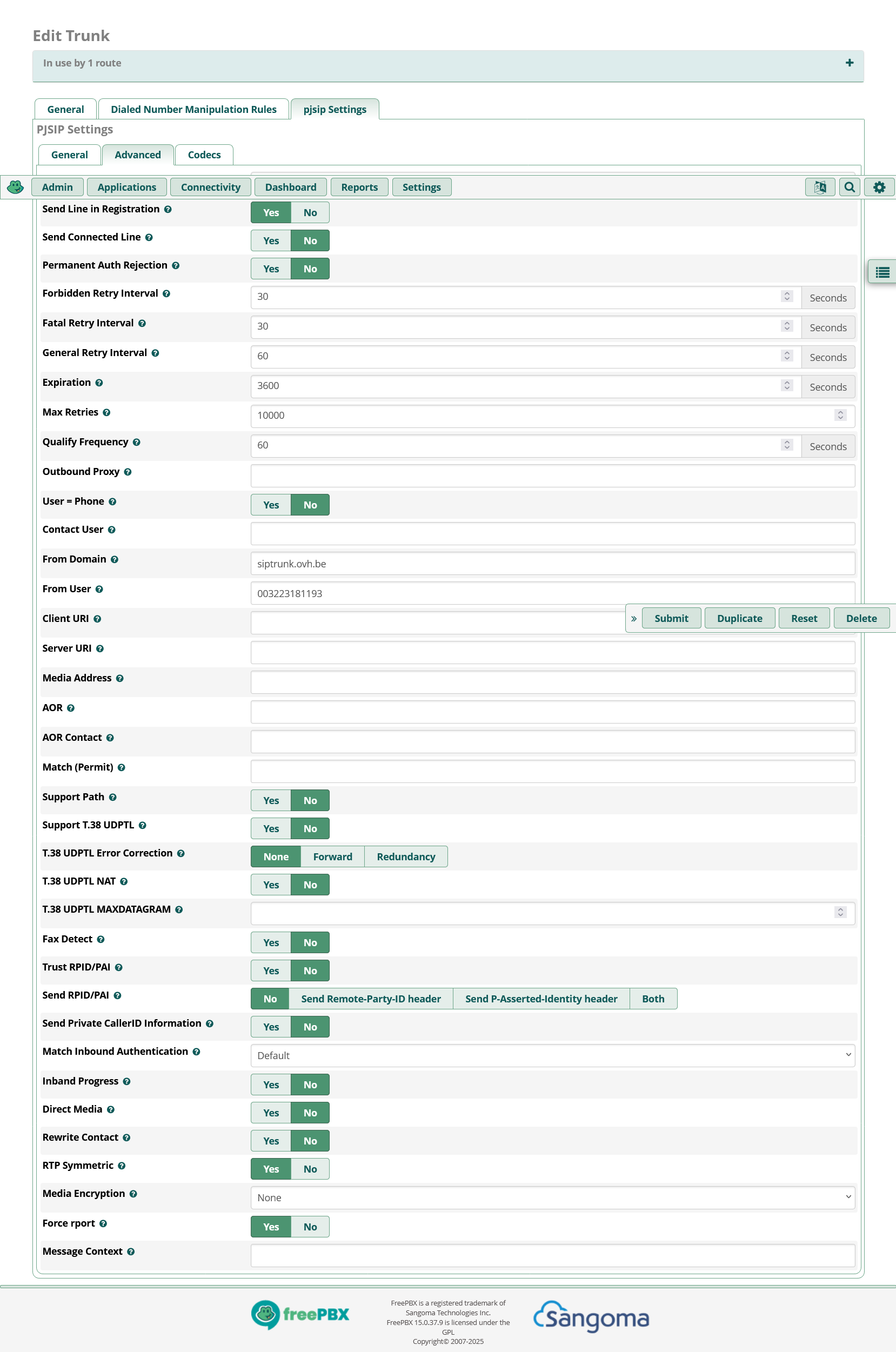
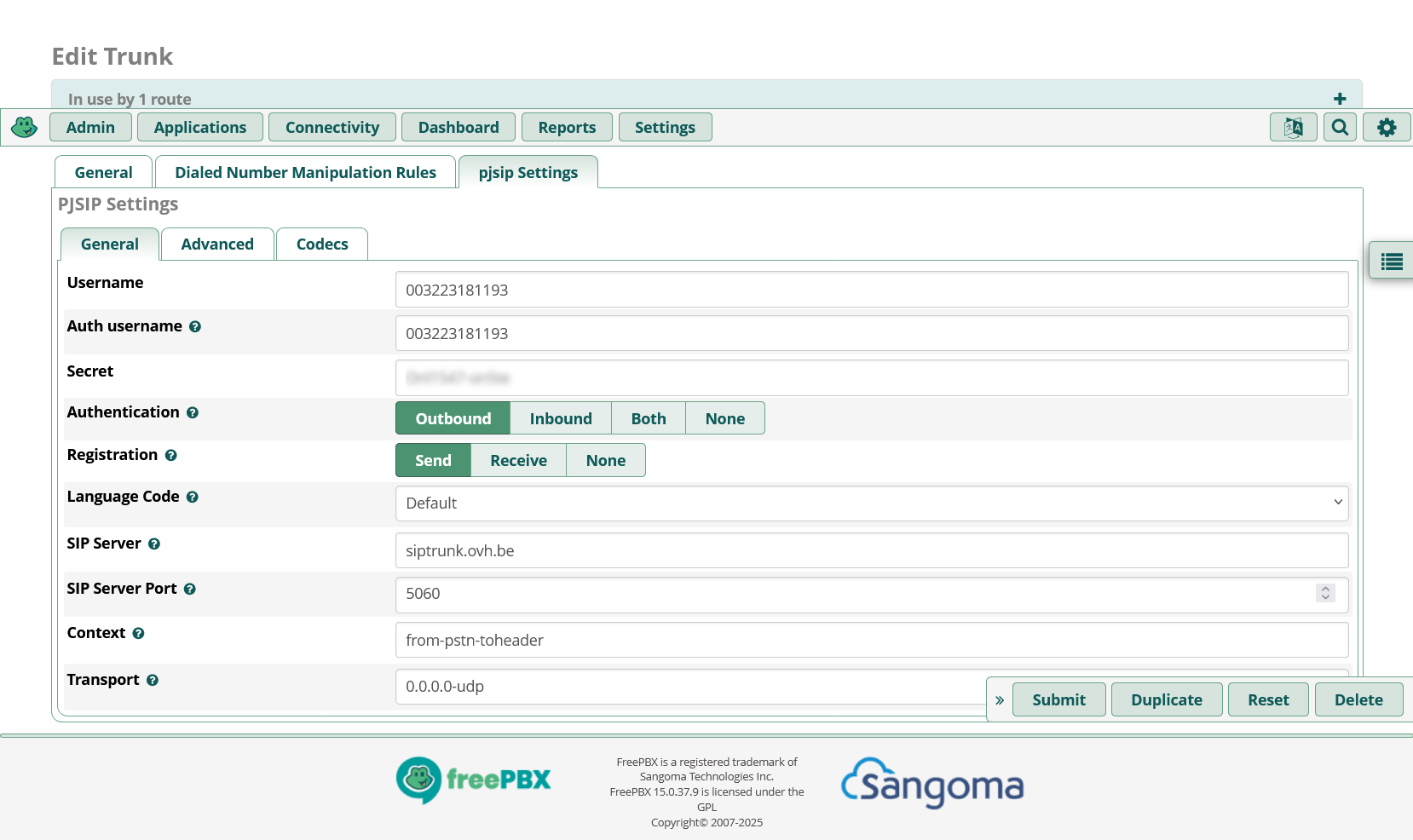
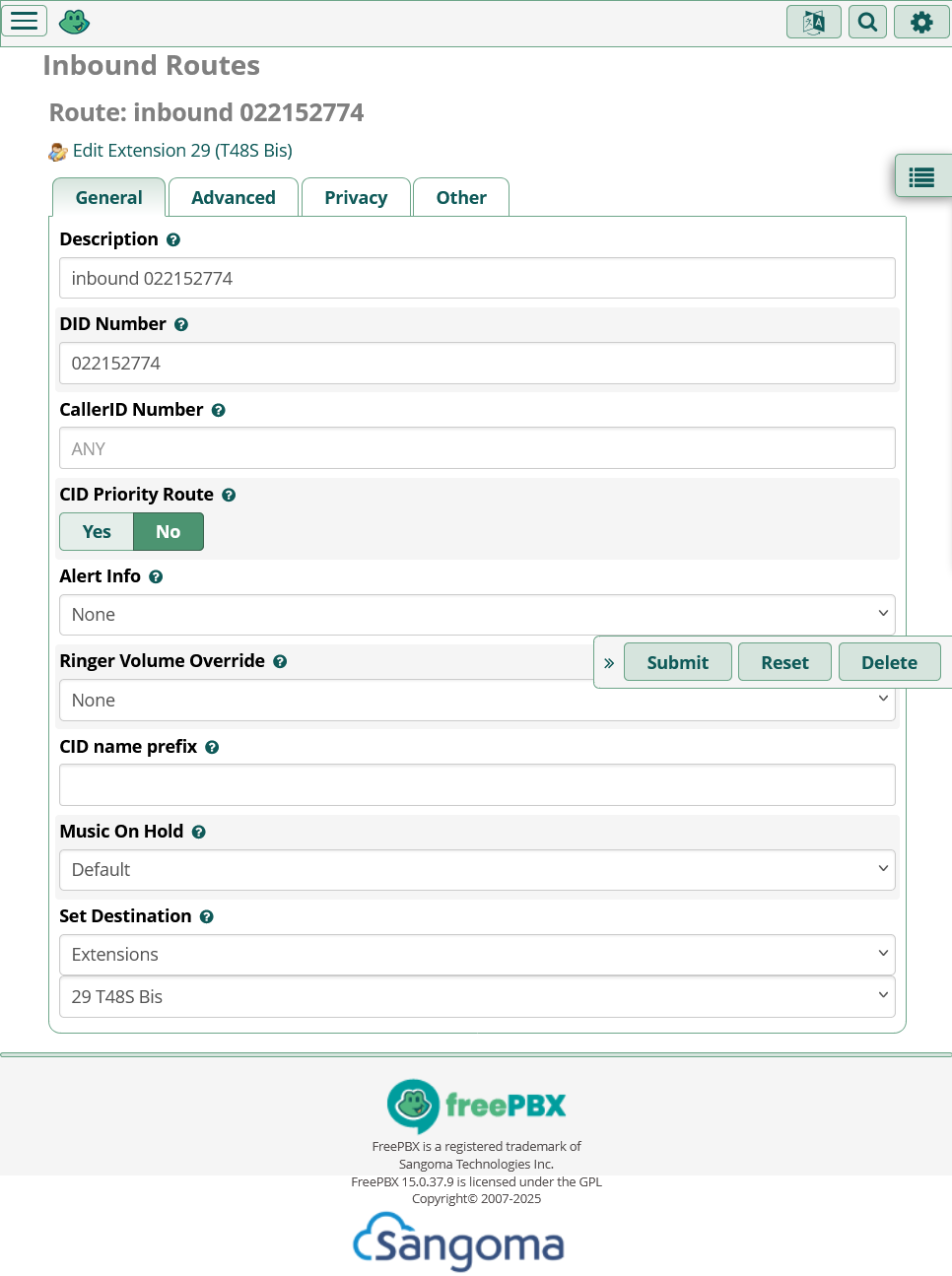
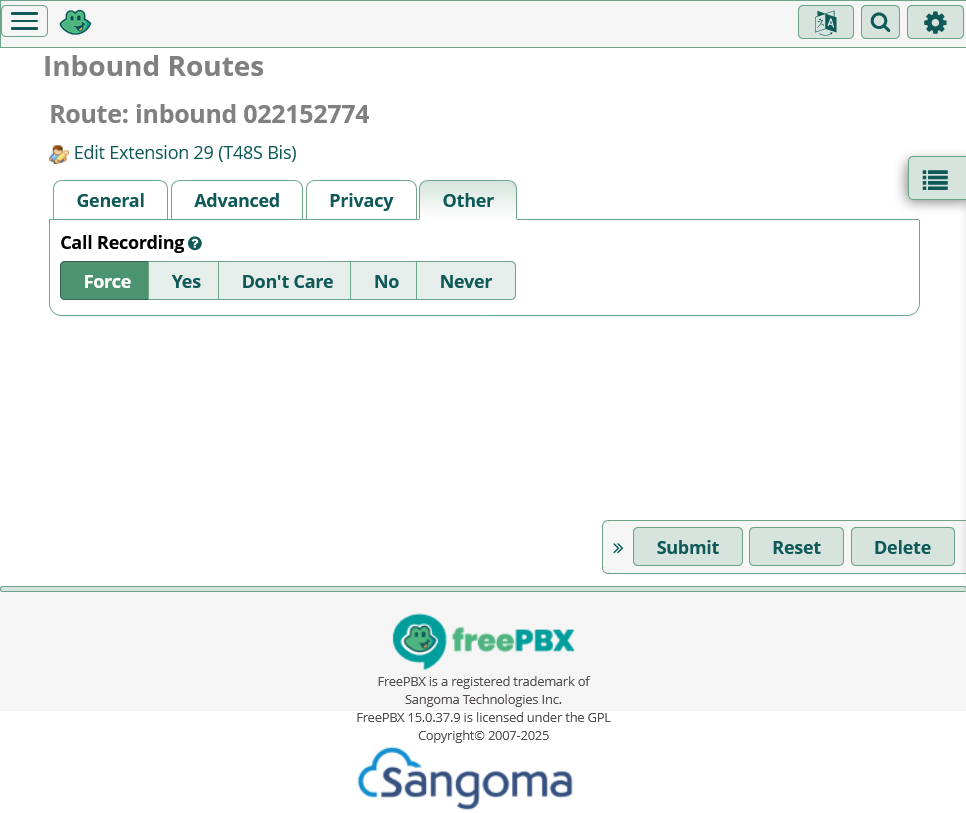
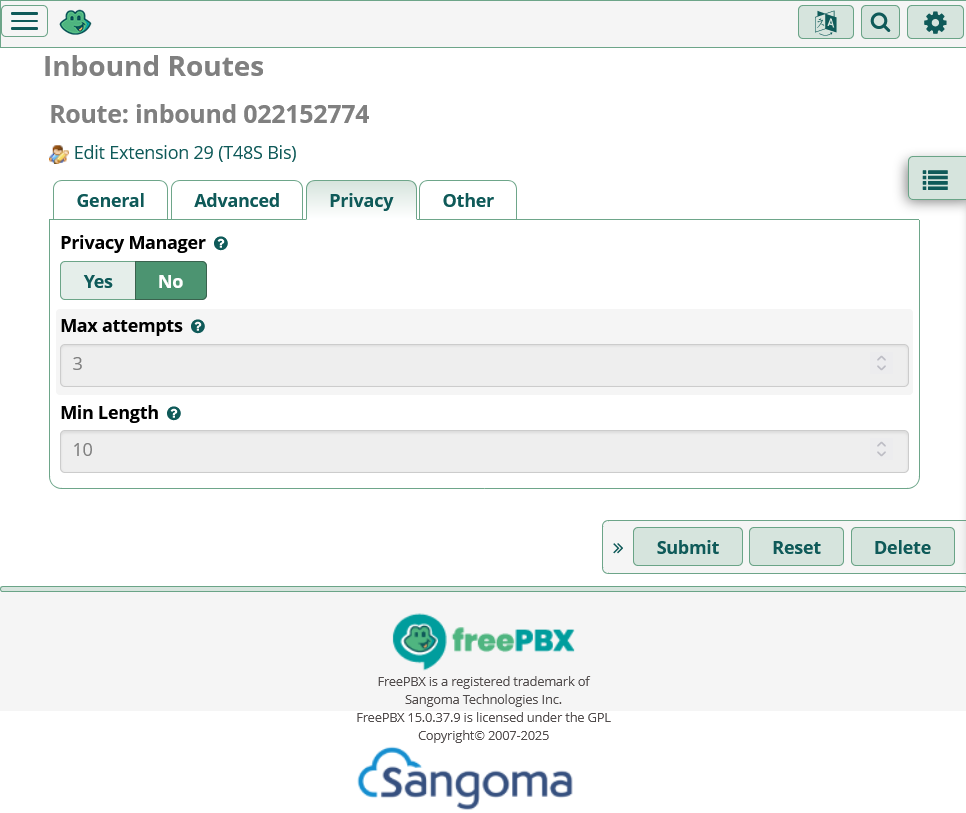
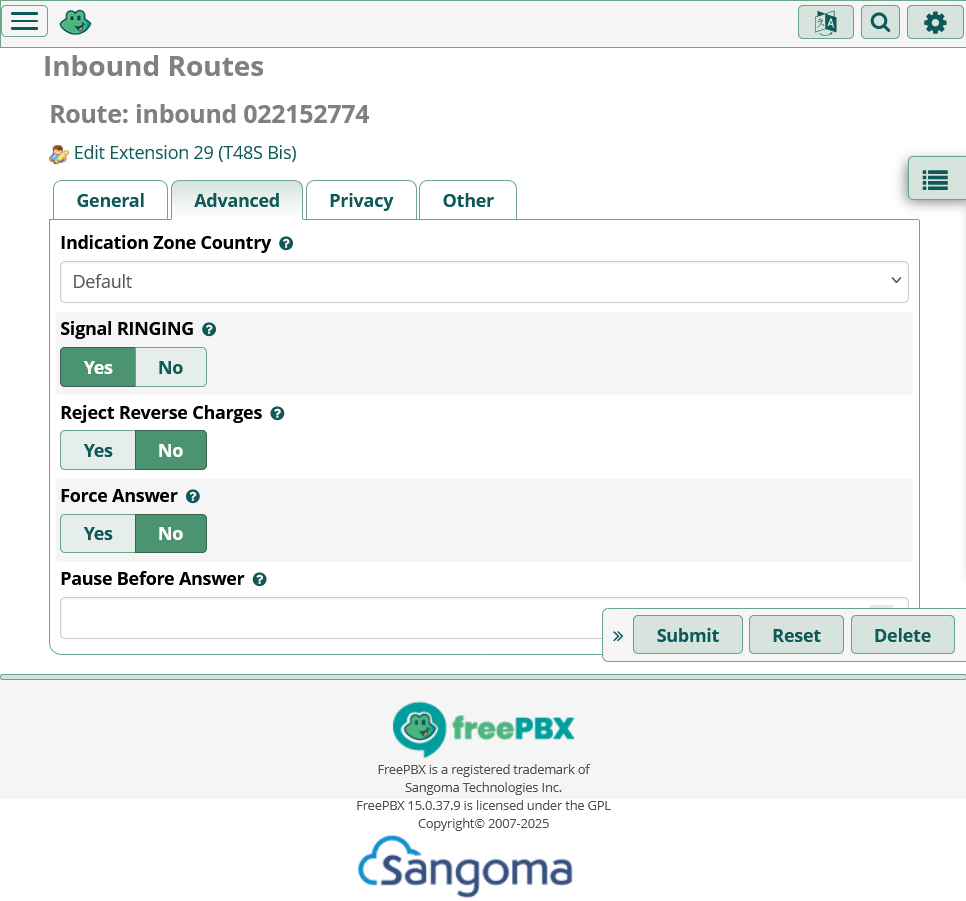
Hope this is what you need. Thierry
DID Number of your Inbound Route does not agree with what OVH is sending.
Please change it to
003222152774
and retest. If inbound calls still fail to route properly, paste a new log.
Stewart,
- IT WORKS
- Believe it or not, it was last few days 003222152774 and didn’t work. Then somebody told me to take the number as it appear in a CDR record (022152774). That’s why it was in the inbound route. Now, fater I put it back to 003222152774, IT works.
A) Very happy that it’s OK
B) Not so happy because I don’t understand why this behaviour
C) Anyway, thanks a lot for your great, patient and effective supports.
Gratefully yours,
Thierry
You should not set call-recording to “force”. This means that all calls coming in over this inbound route will be recorded which will fill up your harddrive possibly within a short time. The extension settings can not overrule this setting. If this is not your real intention change it. Usually it is set to “don’t care”.
On your B) not understand: Inbound routes react specifically and only on the external number which is set in the respective field. Therefore if you have a block of external phone-numbers, lets say yyy00, yyy01,yyy02,…yyy09 you need 10 single inbound routes for each number one route or only one catch-all route yyy0x which than covers 00-09. In the first case you can route each number to a specific extention (=phone) or each number into any ringgroup which exists. In the other case you route the catch-all only to one extension=phone or one single ring-group.
By the way: Your extension-settings are: “user=phone” to NO. This is untypical for asterisk, but working. It means that each user can login at any phone with his personal secret. The more common setting is “user=phone” YES, which means that the externsion-number (in your example 29) is the username and the password can be stored in the yealink-phone. The yealink logs in automatically with the saved extension-nuber and the stored PW.
Attentsion!!!: Never change your setting after the initial setup of your freepbx from NO to YES or vice-versa. The whole setup needs to be changed, extensions do not register anymore and need to be changed each by each.
Thanks for comment. It’s my real intention. I have written a process to send the recordings on a NAS every day for archiving.
Regarding the basic DID problem: worked fine for a couple of days and back to the problem. Quite busy now but will recheck that later.
Good day to all …
Thierry
This topic was automatically closed 31 days after the last reply. New replies are no longer allowed.