Hi everyone. I am completely new to VOIP accounts so please bear with me…
I have a yealink VoIP phone set up but it is part of a larger account with more numbers at other businesses - I have no way to contact the administrator.
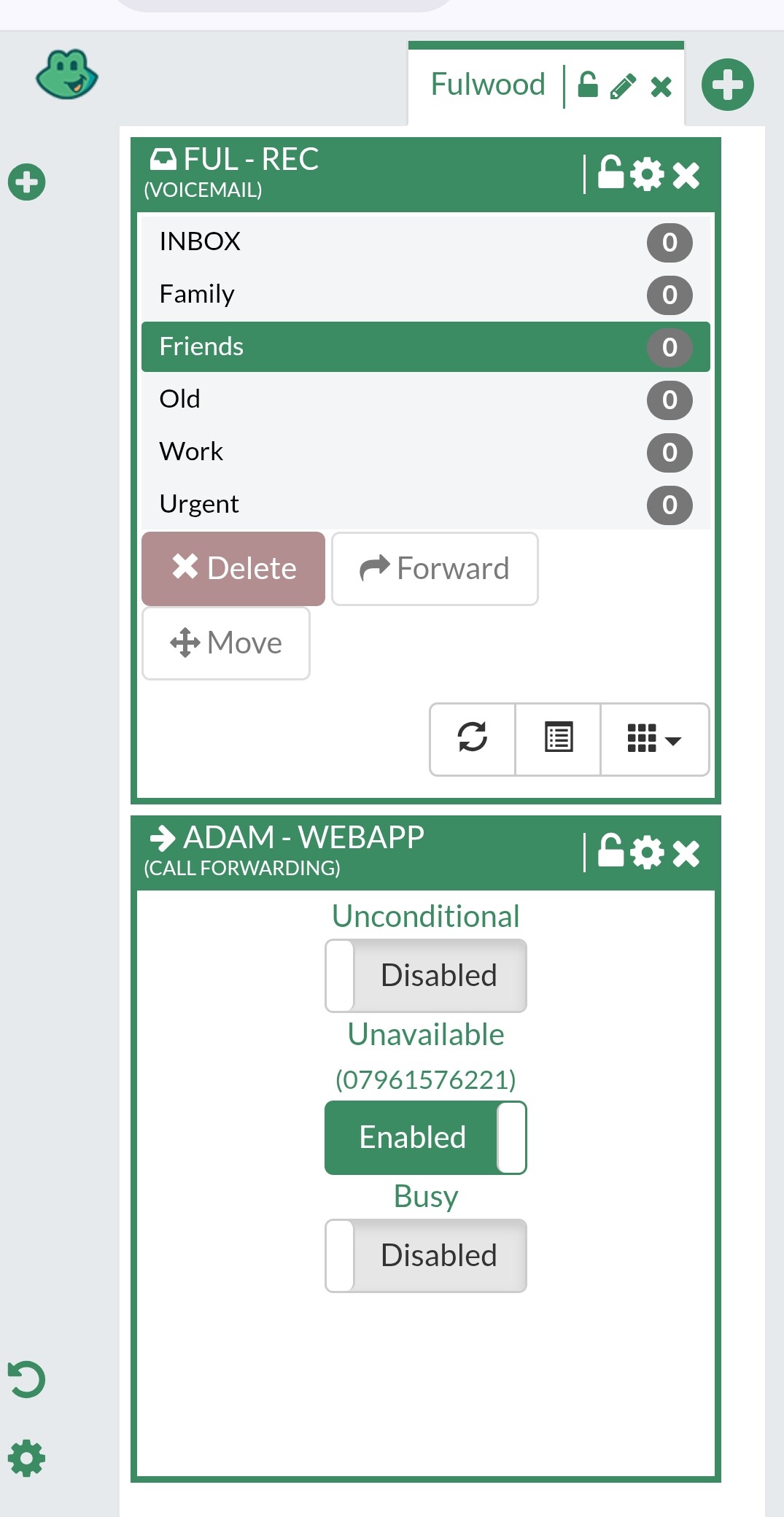
I want to forward calls to my mobile and I do it through the phone menu and it tells me call Forwarding is enabled, but anyone who phones the number is greeted with “please input your password followed by the poundkey” (incidentally my unit won’t recognise my passnumber as correct on any hands free method, it only recognises it when I have the receiver on my hand but that’s a separate issue).
Can anyone help, would it be better to just set up a new account for my site? I’ve no idea how much that might cost so I’d rather keep using the central account if possible.
Apologies I’m not sure I understand - what happens if I dial the number that I want to forward to from the VOIP handset? It just rings and call goes through as normal.
If I call the VOIP phone from my mobile it asks for the password but says it’s incorrect (which it isn’t but I have the same issue if I try to dial out using speakerphone do you think that’s a separate issue).
Forget call forwarding for a minute. If you dial from the VoIP phone by picking up the receiver, it calls the mobile no problem. But if you dial from the VoIP phone using the built-in speakerphone, it asks for a PIN?
It asks for the PIN regardless, it’s just if I do it with the receiver to my ear it accepts the PIN, whereas if I do it using the inbuilt speakerphone it just says ‘password incorrect’.
When you say “it just rings and call goes through as normal”, do you mean after you have entered and accepted the PIN?
Either way, this sounds like two issues. The speakerphone problem may be DTMF-related, especially if the same PIN used is being accepted when using the handset but rejected when using the built-in speakerphone.
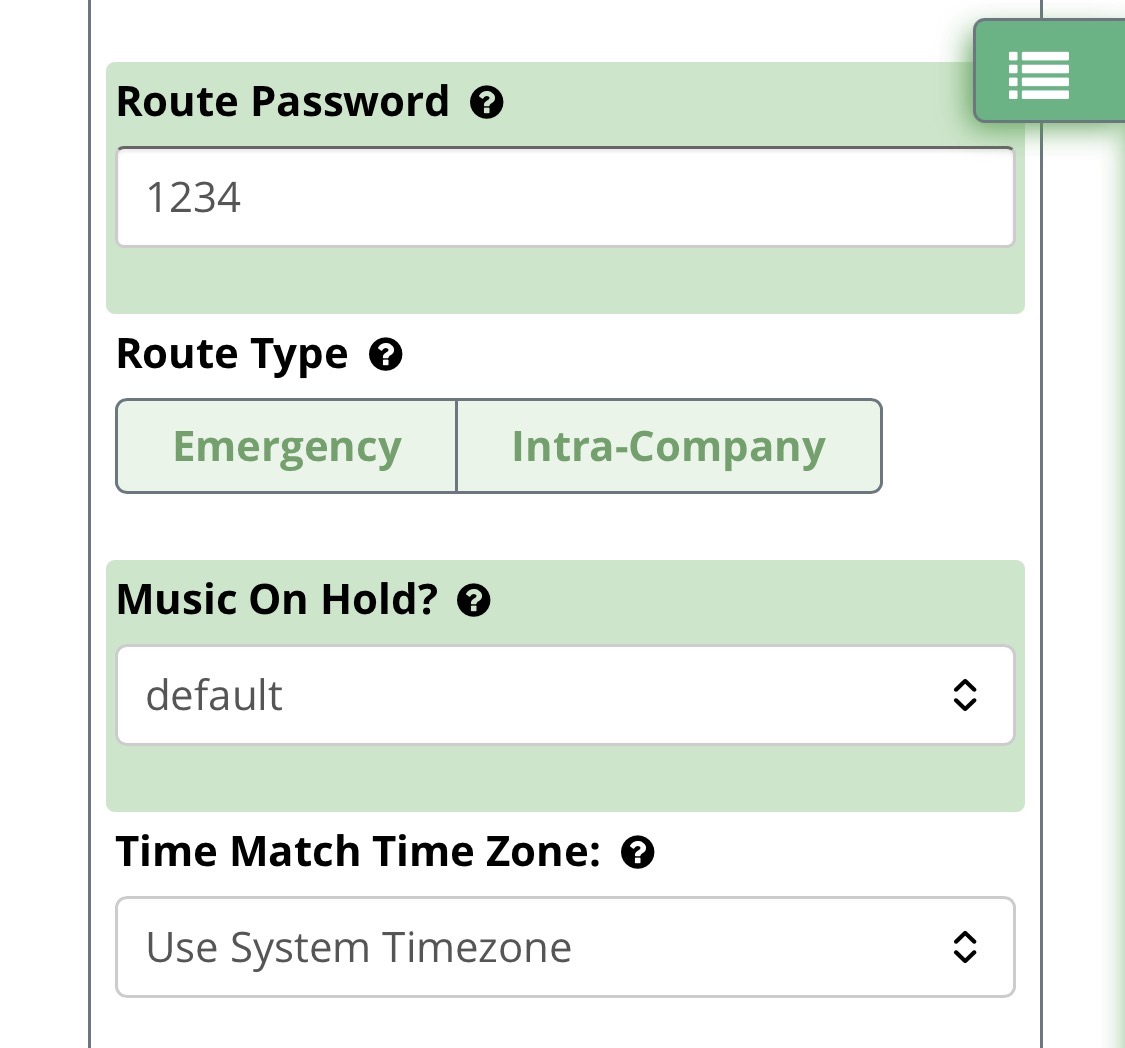
The other, is that your outbound route appears to require a PIN. If your PBX is trying to forward the call out to your mobile, that forwarded outbound call will also hit the PIN requirement. You will not be able to make normal call forwarding work from the phone itself while the PIN requirement is in the way. That needs to be disabled in the GUI by removing it from the outbound route.
That sounds like the prompt message is triggering a talk-off. Something in the message is being interpreted as a DTMF tone. With a speaker phone you get a significant echo.
When you say “it just rings and call goes through as normal”, do you mean after you have entered and accepted the PIN?
Yes I can’t dial out without entering the PIN at all.
You will not be able to make normal call forwarding work from the phone itself while the PIN requirement is in the way. That needs to be disabled in the GUI by removing it from the outbound route.
It’s there any guidance on how to do that? I wouldn’t know where to start. I’m not the main administrator for the account but I believe I have a username and password for the control panel. I think the password was put on because the phones were hacked a few years ago
No, you need administrator access. If the PIN is causing your issue, then it’s doing its job. I can’t help you more than that. Perhaps someone else will have another suggestion. Good luck with it. K