So I finally pulled the trigger and migrated from v16 to v17. Based on what I see, the config backup from v16 I restored to the new v17 instance carried things over just fine. No notable errors or anything during that restore process. The new v17 instance is sitting at the same external IP as v16 was, and from the FreePBX side we are good for test calls.
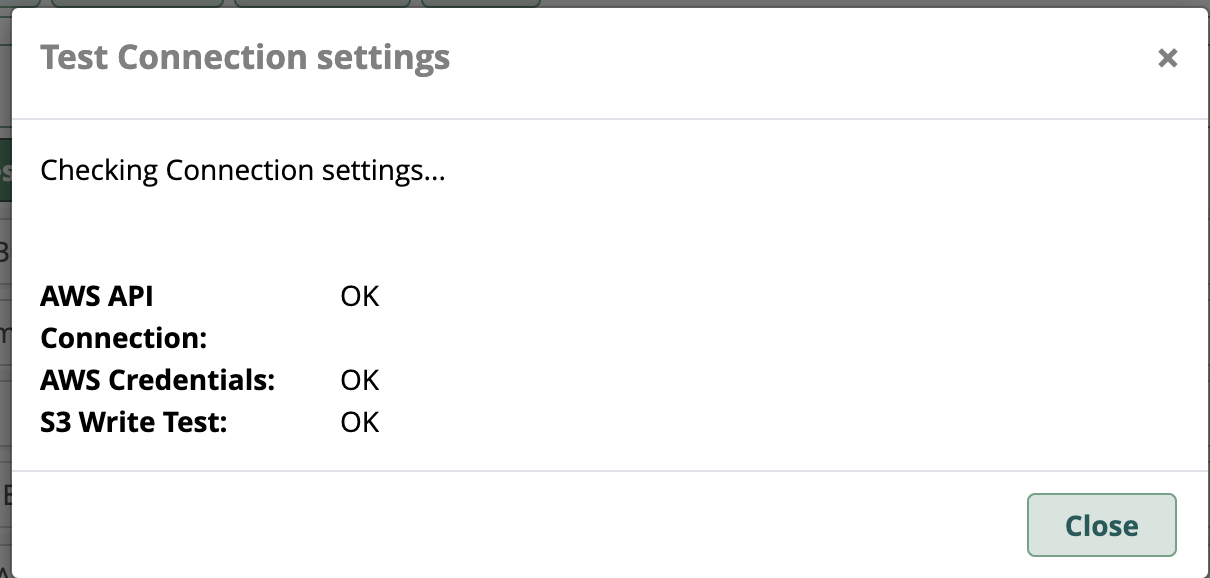
The only quirk I see is v16 had daily full backups scheduled to write out on my Amazon S3 bucket. These were all working without a hitch each day on v16. I noticed that last night’s v17 backup failed, so I manually ran it. Below is a snippet of the error. I can see where the Amazon S3 creds are shown in Filestore. Should I just generate a new cred set and retry?
Finished created backup file: 20260517-071136-1779016296-17.0.28-1519297998.tar.gz
Performing Local Maintenance
Finished Local Maintenance
Saving to selected Filestore locations
Unable to write file at location: 20260517-071136-1779016296-17.0.28-1519297998.tar.gz. An exception occurred while initiating a multipart upload: Error executing "CreateMultipartUpload" on "https://{MY_TENANT}.s3.amazonaws.com/20260517-071136-1779016296-17.0.28-1519297998.tar.gz?uploads"; AWS HTTP error: Client error: `POST https://{MY_TENANT}.s3.amazonaws.com/20260517-071136-1779016296-17.0.28-1519297998.tar.gz?uploads` resulted in a `400 Bad Request` response:

InvalidStorageClassThe storage class you specified i (truncated...)
 InvalidStorageClass (client): The storage class you specified is not valid -
InvalidStorageClassThe storage class you specified is not validW57J7KTGSCW6Z49CTKmo86+bNrw3HbaZg0Lz2AAZ71lzBmXgTaQISZTokBmuTbnmlFlRP3eR4Ep1dm1nhbcGm+TY60E=
Finished Saving to selected Filestore locations
Performing Remote Maintenance
Finished Remote Maintenance
There were errors during the backup process
	Unable to write file at location: 20260517-071136-1779016296-17.0.28-1519297998.tar.gz. An exception occurred while initiating a multipart upload: Error executing "CreateMultipartUpload" on "https://{MY_TENANT}.s3.amazonaws.com/20260517-071136-1779016296-17.0.28-1519297998.tar.gz?uploads"; AWS HTTP error: Client error: `POST https://{MY_TENANT}.s3.amazonaws.com/20260517-071136-1779016296-17.0.28-1519297998.tar.gz?uploads` resulted in a `400 Bad Request` response:

InvalidStorageClassThe storage class you specified i (truncated...)
 InvalidStorageClass (client): The storage class you specified is not valid -
InvalidStorageClassThe storage class you specified is not validW57J7KTGSCW6Z49CTKmo86+bNrw3HbaZg0Lz2AAZ71lzBmXgTaQISZTokBmuTbnmlFlRP3eR4Ep1dm1nhbcGm+TY60E=
There were warnings during the backup process
	Could not backup module dahdiconfig because it is not enabled
	Could not backup module phonebook because it is not enabled
	Could not backup module xmpp because it is not enabled
	Could not backup module zulu because it is not enabled
	The module callback returned no data, No backup created
	The module callerid returned no data, No backup created
	The module calllimit returned no data, No backup created
	The module conferencespro returned no data, No backup created
	The module setcid returned no data, No backup created