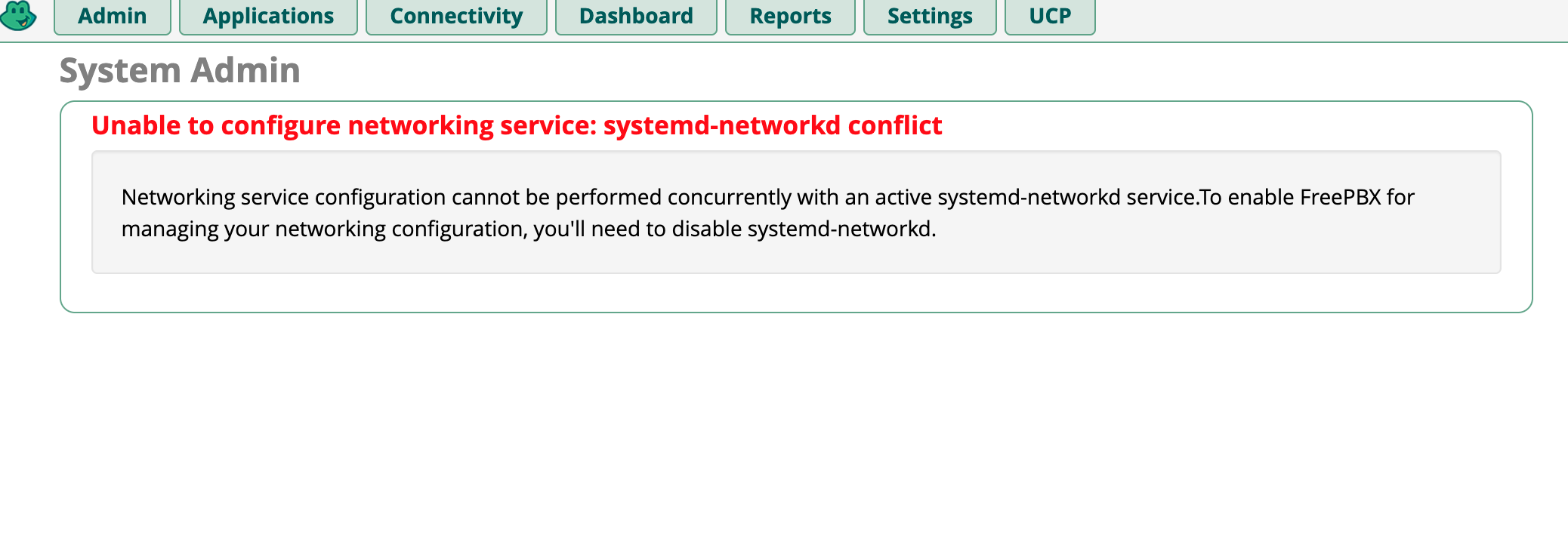
Hello.. I still cant figure out why FreePBX17 wont save my network interface settings.
Instance is running on Vultr. The primary interface enp1s0 is the WAN using DHCP (thats fine)
The secondary interface enp8s0 is the VPC interface and it will not save my static IP settings from the admin page.
Trying to edit via CLI just throws errors. See bellow Job for networking.service failed because the control process exited with error code.See "systemctl status networking.service" and "journalctl -xeu networking.service" for details.
System has all the latest updates installed. Original thread here.
Have you considered renaming the interfaces to sequential names via files in the directory /etc/network/interfaces.d/like the ISO does e.g. pbxeth0, pbxeth1, etc. ?
I was not aware that could be a fix. Currently my CLI workaround is to create a second iface and set the static IP on it. It stays saved even tho its not even showing in the PBX GUI.. But I would like to be able the change IP setings from the Admin page in the GUI
Hmm, the fact that your CLI workaround survives but doesn’t show up in the FreePBX GUI makes me wonder if they’re looking at two different network configurations.
I’m not entirely sure how FreePBX 17 handles additional interfaces on Vultr, but maybe the GUI isn’t picking up the config for enp8s0 correctly.
Before renaming anything, I’d be curious to see whether /etc/network/interfaces and the files under /etc/network/interfaces.d/ both reference that interface, or if there’s an overlapping definition somewhere.
I’d be a little careful changing interface names remotely though. Getting locked out of a VPS over a network config change is never fun.
After disabling systemd-networkd I can edit and save the interfaces from the admin section. So something on the Vultr network interface framework is messing up the networking in FreePBX17